
How Python Copy a File – 9 Simple & Quick Ways
Master Python with 70+ Hands-on Projects and Get Job-ready - Learn Python
In our last tutorial, we studied Python Zipfile. Today, in this Python Tutorial, we will discuss how Python copies a file.
Moreover, we will look at the 9 simple ways to copy a file in Python Programming: Using Python OS Module, Python Threading Library, Python Subprocess Module, Python Shutil Module.
So, let’s start with How to Copy a File in Python.
How Python Copy a File?
Here are the main 4 categories of ways through which Python copies a file.
1. Using Python OS Module
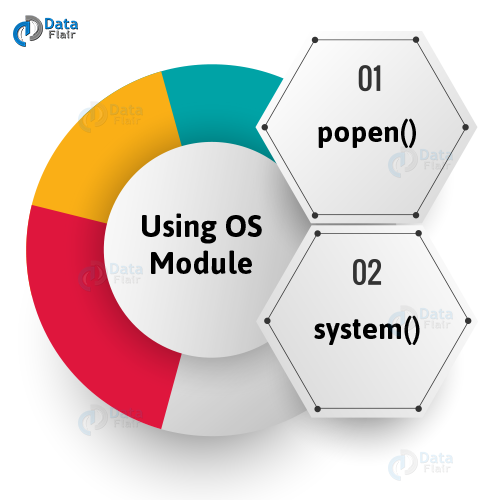
There are two ways to copy a file in Python- the popen() method and the system() method. Let’s discuss them.
How Python Copy a File – 9 Simple & Quick Ways
a. popen() in Python
The popen() method returns a file object that connects to a pipe. In mode ‘w’, we can write to it, and in mode ‘r’, we can read from it (‘r’ is the default).
You can say that it creates a pipe to a command or from it.
This is the syntax we use:
os.popen(command[, mode[, bufsize]])
Here, command is the command we use, and mode is ‘r’ or ‘w’, as discussed previously.
When bufsize is 0, there is no buffering. When it is 1, there is line buffering when accessing a file.
When it is an integer greater than 1, there is buffering with the indicated buffer size. For a negative value, a default buffer size is used.
We have a file labeled ‘1.txt’ on the Desktop. We use the following code:
>>> import os
>>> os.chdir('C:\\Users\\lifei\\Desktop')
>>> os.popen('copy 1.txt 2.txt')
As you can see, this creates a new file labeled ‘2.txt’ on the Desktop. This has the same contents as 1.txt.
For Linux, you’d have to write ‘cp’ instead of ‘copy’. This method has been deprecated in Python 2.6.
b. system() in Python
The system() method lets us execute a command as a string in a subshell. Any output the command generates goes to the interpreter’s standard output stream.
The syntax is:
os.system(command)
Let’s try doing the same thing using system() here.
>>> import os
>>> os.chdir('C:\\Users\\lifei\\Desktop')
>>> os.system('copy 1.txt 2.txt')
0
We can see the same action with this method. It copies the contents of a file 1.txt into a new file 2.txt.
Note that if we already had a file called 2.txt, this operation replaces its contents. This applies to the previous method as well.
While this method is similar to popen(), it executes in a subshell. It executes in a separate thread parallel to our executing code.
By calling .wait() on the object it returns, we can wait for its completion.
2. Using Python Threading Library
We can borrow the Thread module from the threading library to copy a file in Python. This does the copying in an async manner.
>>> import os
>>> os.chdir('C:\\Users\\lifei\\Desktop')
>>> import shutil
>>> from threading import Thread
>>> Thread(target=shutil.copy, args=['1.txt','2.txt']).start()
This code copies the contents of file 1.txt to a new file 2.txt.
If your application uses multiple threads for reading or writing a file, you should employ locking to avoid deadlocks.
3. Using Python Subprocess Module
The subprocess module lets us work with child processes- launch them, attach to their pipes for input, output, and error, and retrieve return values.
From this module, we can use the methods call() and check_output(), to copy a file in Python.
Let’s see how this module helps Python copy a file.

Python Copy a File – Python Subprocess Module
a. call() in Python
The syntax for this command is the following:
subprocess.call(args, *, stdin=None, stdout=None, stderr=None, shell=False, timeout=None)
The Python call() method runs the command that the args describe. It waits for the command to complete and then returns the attribute return code.
We use the following code to copy a file:
>>> import os, subprocess
>>> os.chdir('C:\\Users\\lifei\\Desktop')
>>> status=subprocess.call('copy 1.txt 2.txt', shell=True)
>>> if status!=0:
       if status<0:
            print(f"Killed by signal {status}")
       else:
            print(f"Command failed with return code {status}")
       else:
            print("Successfully executed command")
Output
Since here we get the output we do, we figure that the code returns a 0.
b. check_output() in Python
Now, let’s try the same with check_output(). This method runs commands with arguments and returns the output.
For a non-zero return code, it raises a CalledProcessError. It also supports pipes. This is the syntax to follow:
subprocess.check_output(args, *, stdin=None, stderr=None, shell=False, universal_newlines=False)
This method is a lot like subprocess.run, but it pipes data from stdout as encoded bytes by default. Let’s see how we can copy a file with it.
>>> import os, subprocess
>>> os.chdir('C:\\Users\\lifei\\Desktop')
>>> status=subprocess.check_output('copy 1.txt 2.txt',shell=True)
4. Using Python Shutil Module
Copying files by hand is slow. Python’s shutil module offers a one-line fix: shutil.copy(“data.csv”, “backup/data.csv”). It keeps the file name while moving its bytes, giving an instant backup. This “copy files in Python” trick saves both time and typing.
Benefits of using the Shutil method in Python:
- Easy file operation: You can move and copy files and folders with the help of simple Shutil commands.
- Good automation: It helps in reducing code, and it makes the code easy to write and understand.
- System tools: You can check disk space with the help of shutil.disk_usage() or find programs using shutil.which().
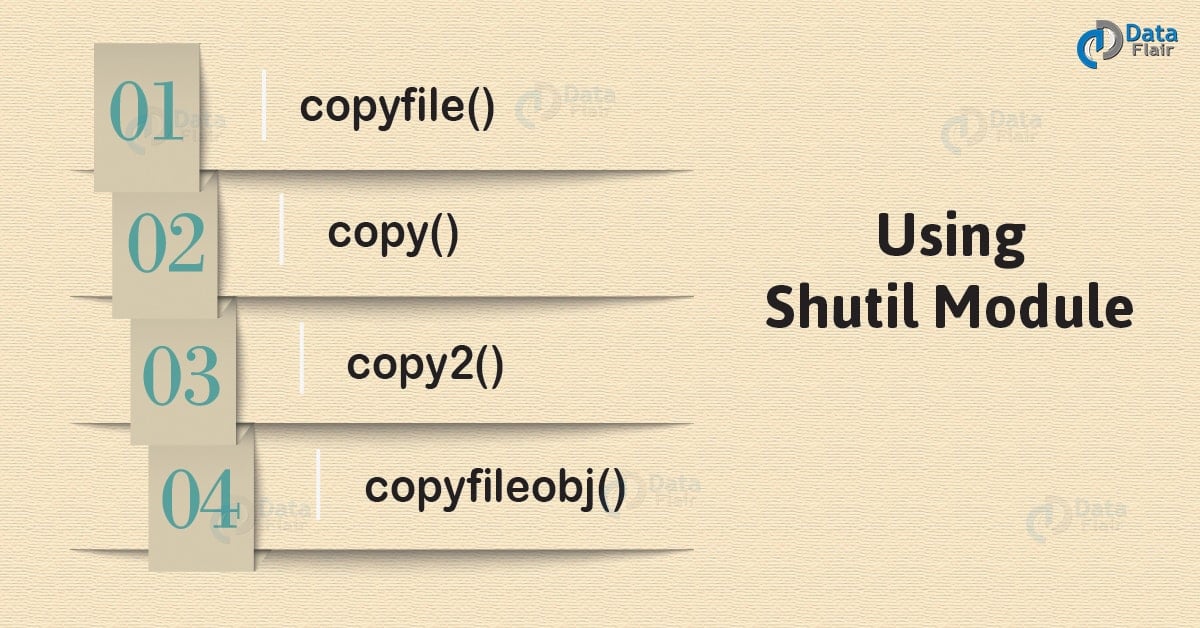
There are four methods we will consider in this module to help Python copy a file: copyfile(), copy(), copy2(), and copyfileobj().
Python copy a file – Python shutil Modules
a. copyfile() in Python
copyfile() copies one file’s contents into another. For this, the target should be writable; otherwise, it raises an IOError. When the destination is a directory, it raises Error 13.
And like we discussed previously, these methods replace a destination file if it already exists and throw an error if the source and destination names are the same.
We have the following syntax for it:
shutil.copyfile(src_file, dest_file, *, follow_symlinks=True)
Let’s try the following code:
>>> import os,shutil
>>> os.chdir('C:\\Users\\lifei\\Desktop')
>>> shutil.copyfile('1.txt','2.txt')
'2.txt'
This code gives us the name of the file it created.
Also, when we set the follow_symlinks argument to False, it creates a symbolic link from the source file, which is a symbolic link, instead of copying it.
b. copy() in Python
Like copyfile(), copy() lets us copy content from one file to another. However, this one also copies file system permissions.
We have the following syntax:
shutil.copy(src_file, dest_file, *, follow_symlinks=True)
Let’s try copying with this method too:
>>> import os,shutil
>>> os.chdir('C:\\Users\\lifei\\Desktop')
>>> shutil.copy('1.txt','2.txt')
'2.txt'
So then, what is different here from copyfile()? Here we go:
- copyfile() copies data, copy() also copies permission bits
- copy() can copy to directories, copyfile() raises an Error 13 instead
- copyfile() uses method copyfileobj() in its implementation, but copy uses functions copyfile() and copymode() in turn
- The last aspect makes copy() slower than copyfile(), which doesn’t have the overhead of preserving permissions
c. copy2() in Python
This one’s like copy(), but while copying the data, it also gets access and modification times linked to the metadata.
For platforms that do not allow for full metadata saving, it preserves any metadata it can.
We have the following syntax:
shutil.copy2(src_file, dest_file, *, follow_symlinks=True)
Now let’s hit the payload.
>>> import os,shutil
>>> os.chdir('C:\\Users\\lifei\\Desktop')
>>> shutil.copy2('1.txt','2.txt')
'2.txt'
This method preserves the creation date. Let’s see the differences between copy() and copy2().
- copy() sets permission bits, copy2() also updates file metadata with timestamps
- Internally, copy() calls copyfile() and copymode(); copy2() calls copyfile() and copystat()
d. copyfileobj() in Python
If you have been reading from your source file object, copyfileobj() will start copying from the position you stopped reading at.
It has the following syntax:
shutil.copyfileobj(src_file_object, dest_file_object[, length])
Here, source and destination file parameters refer to objects. length is the buffer size. This is the number of bytes in memory during a copy.
This comes in handy when copying very large files, and the default is 16KB. Let’s copy using this last method.
>>> import os,shutil
>>> os.chdir('C:\\Users\\lifei\\Desktop')
>>> one=open('1.txt','rb')
>>> two=open('2.txt','wb')
>>> shutil.copyfileobj(one,two)
Remember to open the files in binary mode. Open the source file as readable and the destination file as writable.
Also, remember to close the files once you’re done.
So, this was all about How Python Copy a File. Hope you like our explanation.
Python Interview Questions on Copy a File
1. How do you copy a file in Python?
2. How do you copy a file from one directory to another in Python?
3. How do you use Shutil Copy in Python?
4. What does Shutil mean in Python?
5. How does Shutil copy work in Python?
Conclusion
Hence, in this tutorial, we discussed nine ways for Python to copy a file.
Moreover, we discussed the commands in the Python OS Module, Python Threading Library, Python Subprocess Module, and Shutil Module in Python.
Which one do you prefer? Comment below.
Did you like our efforts? If Yes, please give DataFlair 5 Stars on Google





