
Java Annotations – Examples & Types of Annotations in Java
Get Job-ready: Java Course with 45+ Real-time Projects! - Learn Java
In our last tutorial, we saw Java assertions in detail. In this Java Annotations tutorial, what are Java annotations, and a list of annotations in Java Programming Language: Marker, Single Value, and Full Java Annotations. Moreover, we will discuss Predefined/ Standard Annotations or built-in annotations in Java. At last, we discuss some Java annotation examples.
So, let’s start with the Java Annotations Tutorial.
What are Java Annotations?
Java annotations are used to provide extra or supplementary information about the program. Therefore, Annotations in Java are utilized to give supplementary data about a program.
- Java Annotations begin with ‘@’.
- They don’t change the activity of an ordered program.
- It help to relate metadata (data) to the program components, i.e., case factors, constructors, strategies, classes, and so on.
- Annotations in Java are not unadulterated remarks, as they can change the way a program is dealt with by the compiler. See the code, for instance.
Java Annotation Example –
class Base
{
     public void display()
     {
         System.out.println("Base display()");
     }
}
class Derived extends Base
{
     @Override
     public void display(int x)
     {
         System.out.println("Derived display(int )");
     }
     public static void main(String args[])
     {
         Derived obj = new Derived();
         obj.display();
     }
}
Categories of Java Annotations
There are 3 types of Annotations in Java.
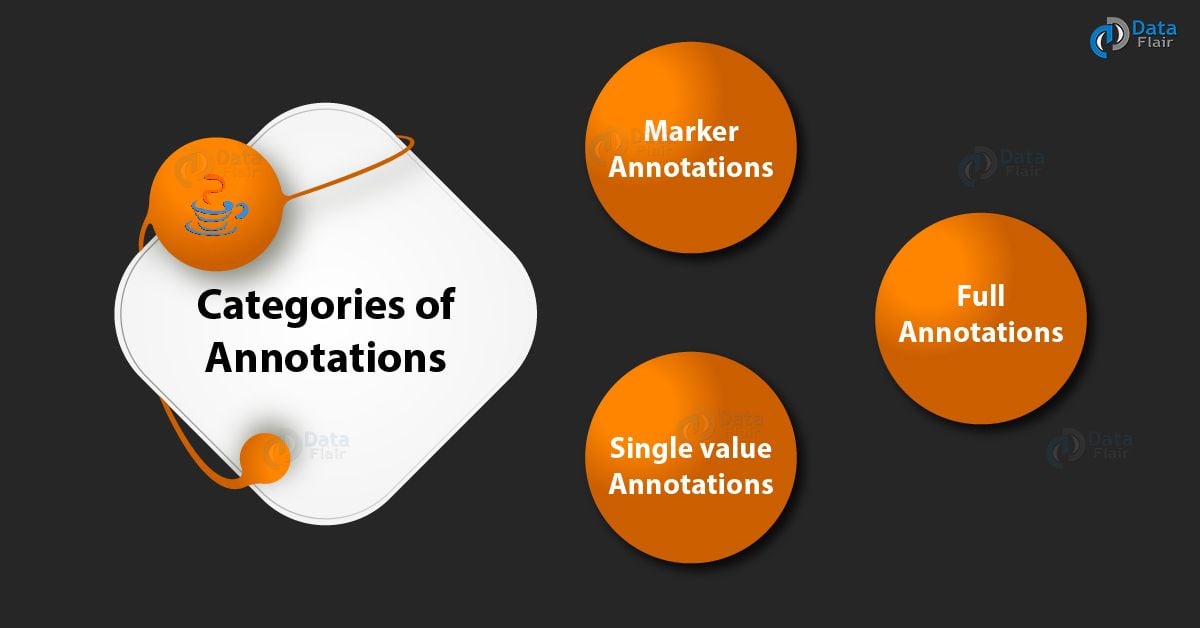
Types of Annotations in Java
1. Marker Java Annotations
The main design is to mark an annotation in Java. However, these Java annotations contain no individual and don’t comprise any information. Along these lines, its quality as a comment is adequate. Since the marker interface contains no individuals, just deciding if it is available or missing is adequate. @Override is a case of Marker Annotation.
Example: – @TestAnnotation()
2. Single Value Java Annotations
These annotations contain just a single part and permit a shorthand type of determining the estimation of the part. Thus, we just need to indicate the incentive for that part when the comment is connected, and we don’t have to determine the name of the part. However, to utilize this shorthand, the name of the part should be valued.
3. Full Java Annotations
They contain multiple values, pairs, data members, etc.
Example:- @TestAnnotation(owner=”Shadow”, value=”Class Flair”)
Predefined/ Standard Java Annotations
There are seven built-in annotations in Java.
i. The four imported from java.lang.annotation
@Retention, @Documented, @Target, and @Inherited
ii. The three in java.lang
@Deprecated, @Override, and @SuppressWarnings
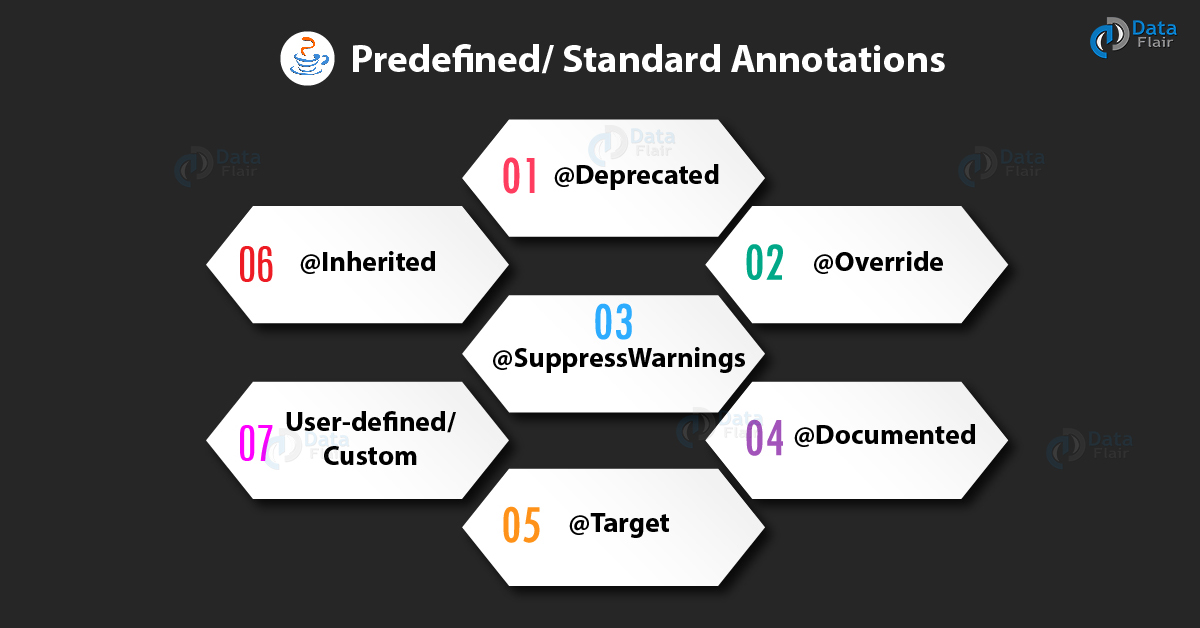
Predefined/ Standard Java Annotations
1. @Deprecated Annotation
- @ Deprecated Annotation is used to indicate that a declaration has become old and has been replaced by a newer one, thus it is a marker annotation
- The Javadoc @deprecated tag ought to be utilized when a component has been deployed.
- A @deprecated tag is for documentation, and the @Deprecated annotation is for runtime reflection.
- A @deprecated tag has a higher need than the @Deprecated annotation when both areas are utilized.
public class DeprecatedTest
{
    @Deprecated
    public void Display()
    {
        System.out.println("Deprecatedtest display()");
    }
   public static void main(String args[])
    {
        DeprecatedTest d1 = new DeprecatedTest();
        d1.Display();
    }
}
2. @Override Annotation
@Override Annotations are a marker annotation that can be utilized only on strategies. A technique clarified with @Override must supersede a strategy from a superclass. If it doesn’t, an order time error will come about. Hence, it is utilized to guarantee that a superclass technique is really superseded, and not just overloaded.
Therefore, this annotation informs the compiler about whether the method that is overridden follows the correct attributes or not. Thus, we can conclude that Annotations act as a type check for the program and alert the compiler.
class Base
{
     public void Display()
     {
         System.out.println("Base display()");
     }
     public static void main(String args[])
     {
         Base t1 = new Derived();
         t1.Display();
     }
}
class Derived extends Base
{
     @Override
     public void Display()
     {
         System.out.println("Derived display()");
     }
}
Output –
Derived displays
3. @SuppressWarnings Annotation
These Annotations are used to educate the compiler to suppress indicated compiler notices. Therefore, the warnings are indicated by the name in a string structure. This sort of annotation can connect to a statement.
Java warnings notices under two classifications. They are depreciated and unchecked. Hence, any unchecked cautioning is created when an inheritance code interfaces with a code that utilizes generics.
class DeprecatedTest
 {
    @Deprecated
    public void Display()
     {
        System.out.println("Deprecatedtest display()");
     }
 }
public class SuppressWarningTest
 {
    @SuppressWarnings({"checked", "deprecation"})
     public static void main(String args[])
     {
         DeprecatedTest d1 = new DeprecatedTest();
         d1.Display();
      }
  }
Output-
Deprecatedtest display()
4. @Documented Annotations
It is a marker interface that tells an apparatus that an explanation is to archive. Therefore, Annotations in Java are excluded by Javadoc remarks. As a result, Utilization of the @Documented comment in the code empowers devices like Javadoc to process it and incorporate the explanation composed data in the produced archive.
5. @Target Annotations
It is intended to be utilized just as an explanation for another annotation. @Target takes one argument, which must be consistent with the ElementType count. However, this annotation determines the kind of assertions to which Java annotations can connect. The constants appear alongside the sort of affirmation to which they relate.
Table 1 – @ Target Java Annotations
| Target Constant | Java Annotations Can be Applied To |
| ANNOTATION_TYPE | Another annotation |
| CONSTRUCTOR | Constructor |
| FIELD | Field |
| LOCAL_VARIABLE | Local variable |
| METHOD | Method |
| PACKAGE | Package |
| PARAMETER | Parameter |
| TYPE | Class, Interface, or enumeration |
Hence, we can indicate at least one of these qualities in a @Targetannotation. To determine different esteem, we should indicate them inside the props delimited list. For instance, to indicate that an annotation applies just to fields and neighborhood factors, you can utilize this @Target comment: @Target({ElementType.FIELD, ElementType.LOCAL_VARIABLE}) @Retention Annotation. Therefore, it figures out where and to what extent the comment is retained. The 3 esteems that the @Retention explanation can have:
- SOURCE: Annotations will hold at the source level and will be disregarded by the compiler.
- CLASS: Annotations will be held at order time and overlooked by the JVM.
- RUNTIME: These will hold at runtime.
6. @Inherited Annotations
@Inherited Java annotations are marker annotations that can utilize just on annotation affirmation. Therefore, it influences just the explanations that will be utilized for class presentations. @Inherited comments are acquired by a subclass from a superclass. In this way, when a demand for a particular comment is made to the subclass, if that comment is absent in the subclass, at that point, its superclass checks. Moreover, if that comment is available in the superclass, and if it is clarified with @Inherited, at that point, that comment will return.
7. User-defined/ Custom Annotations
Client-characterized Java explanations can be utilized to clarify program components, i.e., factors, constructors, techniques, and so forth. However, these explanations can connect just before the statement of a component (constructor, strategy, classes, and so forth).
Syntax of user-defined/ custom annotations in Java –
[Access Specifier] @interface<AnnotationName>
{
DataType <Method Name>() [default value];
}- AnnotationName is an identifier.
- Parameter ought not to relate to strategy assertions, and the toss provision ought not be used with technique revelation.
- Parameters won’t have an invalid estimate, yet can have a default value.
- Default esteem is discretionary.
- Return kind of strategy ought to be either crude, enum, string, class name, or exhibit of crude, enum, string, or class name write.
Example of user-defined/ custom annotations in Java–
import java.lang.annotation.Documented;
import java.lang.annotation.Retention;
import java.lang.annotation.RetentionPolicy;
 @Documented
@Retention(RetentionPolicy.RUNTIME)
@ interface TestAnnotation
{
    String Developer() default "Rahul";
    String Expirydate();
}
public class Test
{
    @TestAnnotation(Developer="data", Expirydate="01-10-2020")
    void fun1()
    {
        System.out.println("Test method 1");
    }
    @TestAnnotation(Developer="fair", Expirydate="01-10-2020")
    void fun2()
    {
        System.out.println("Test method 2");
    }
    public static void main(String args[])
    {
        System.out.println("Hello");
    }
}
Output –
Hello
Hence, This was all about Java Annotations Tutorial. Hope you like our explanation.
Real-World Applications of Annotations in Java
Annotations play a crucial role in various Java frameworks and libraries. Here are some examples:
1. Spring Framework: Spring extensively utilizes annotations for configuration purposes. Thus, Annotations like @Autowired and @Controller simplify dependency injection and component management.
2. Hibernate: Hibernate leverages annotations for object-relational mapping. As a result, the Java annotations connect the objects to the relational database. This maps the classes and objects to the database. Therefore, Annotations like @Entity and @Column map Java classes and their properties to database tables and columns.
3. JUnit: JUnit employs annotations like @Test and @BeforeClass to identify test methods and manage test execution lifecycles.
Conclusion
Hence, in this Java tutorial, we learned about Java annotations and types of annotations in Java: Marker, Single Value, and Full Java Annotations. In addition, we will discuss Predefined/ Standard Java Annotations or built-in annotations in Java. In conclusion, we discuss some Java annotation examples. Furthermore, if you have any queries, feel free to ask in the comments section.
Did you like our efforts? If Yes, please give DataFlair 5 Stars on Google





