
Web Security with Burp Suite on Kali Linux
Placement-ready Courses: Enroll Now, Thank us Later!
In ultra-modern, interconnected global, internet applications are prime targets for malicious sports. To ensure the safety and integrity of web applications, penetration testers and security professionals rely on powerful gear like Burp Suite.
In this article, we can explore Burp Suite, its installation on Kali Linux, and the various tools it gives for complete net safety.
What is Burp Suite?
Burp Suite is a leading internet utility protection checking out tool evolved with the aid of PortSwigger. Protection professionals extensively utilize it for assessing the safety of web programs. Burp Suite gives a complete set of equipment designed to pick out vulnerabilities, examine net visitors, and simulate attacks.
Installing Burp Suite on Linux (Step-through-Step):
Installing Burp Suite on Kali Linux sincerely. Follow these steps to get commenced:
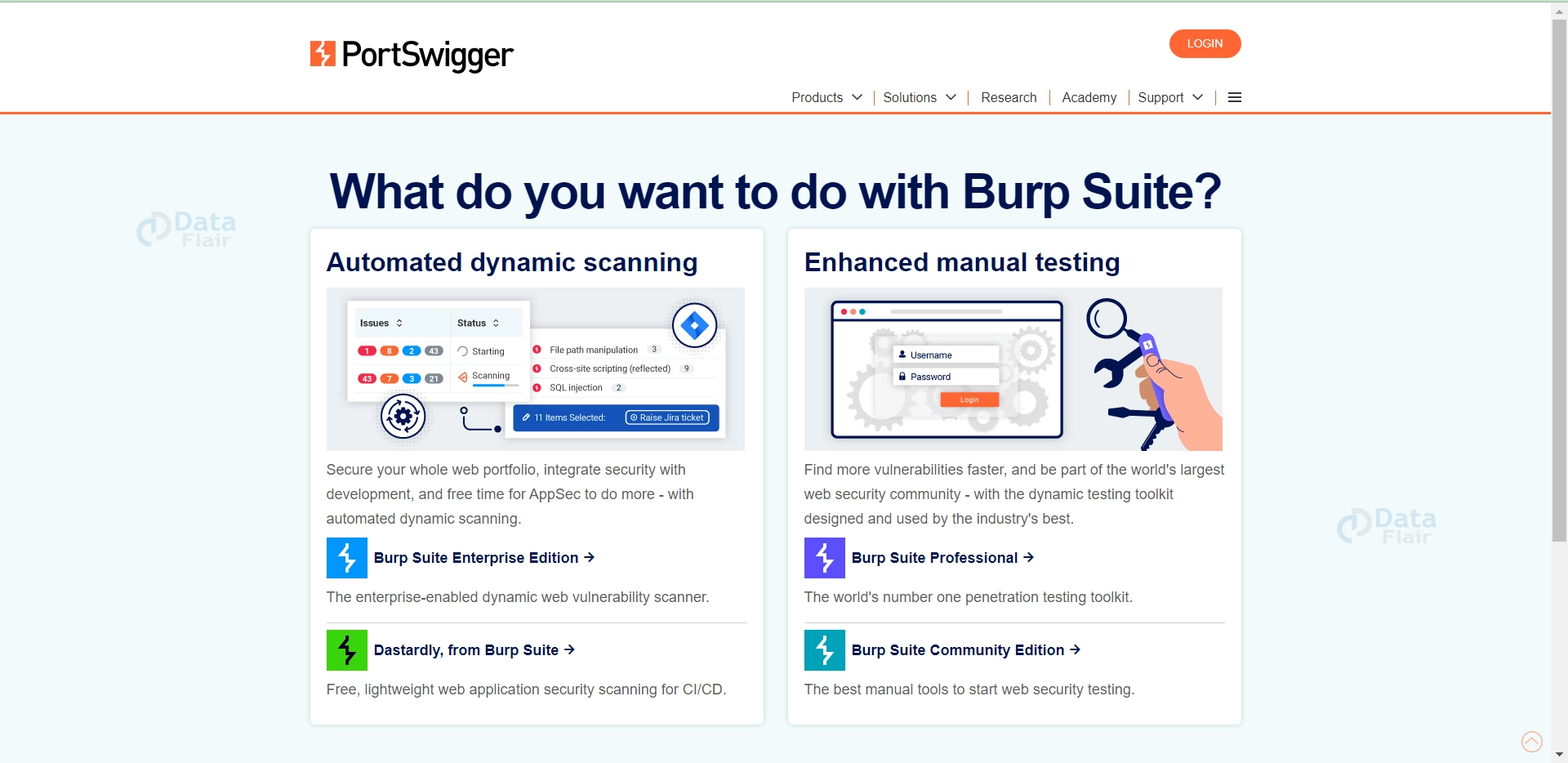
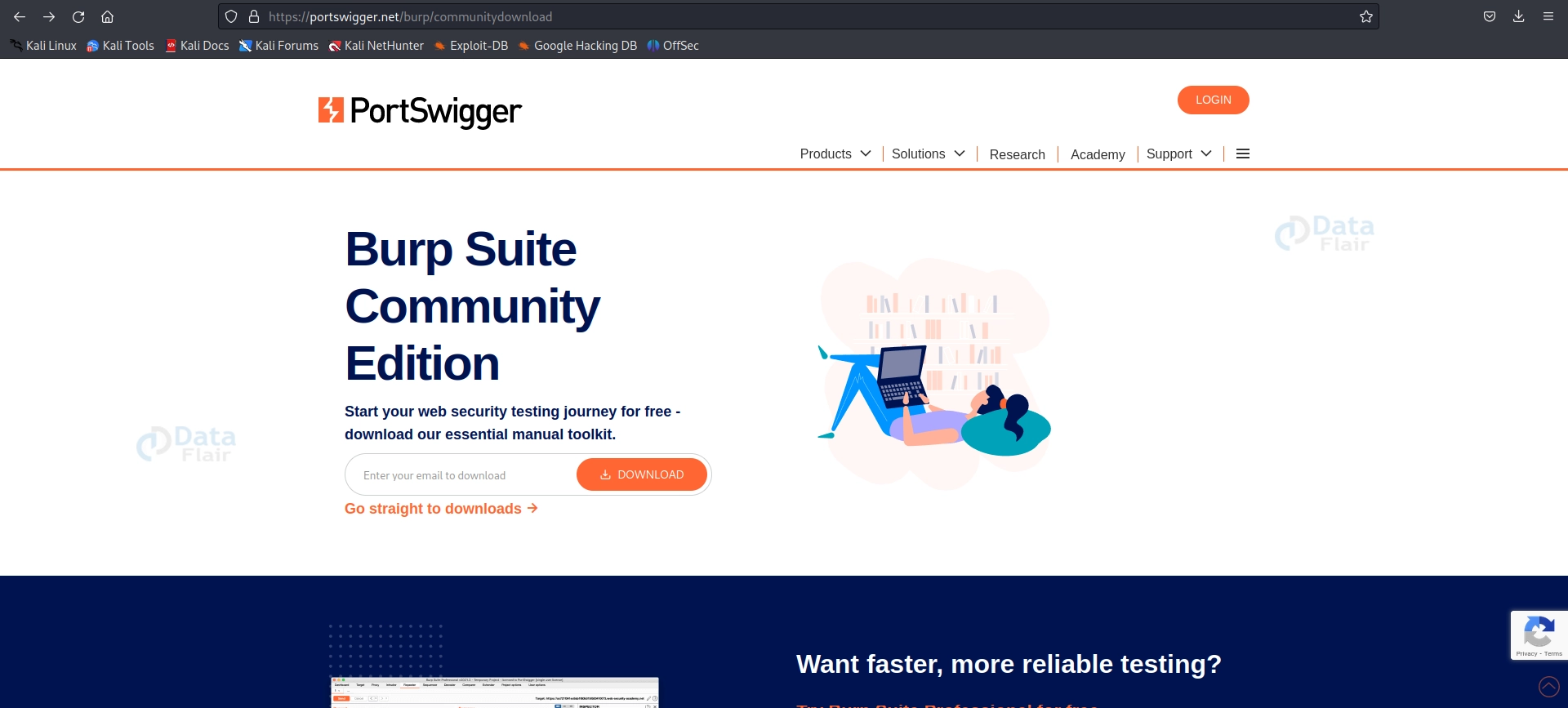
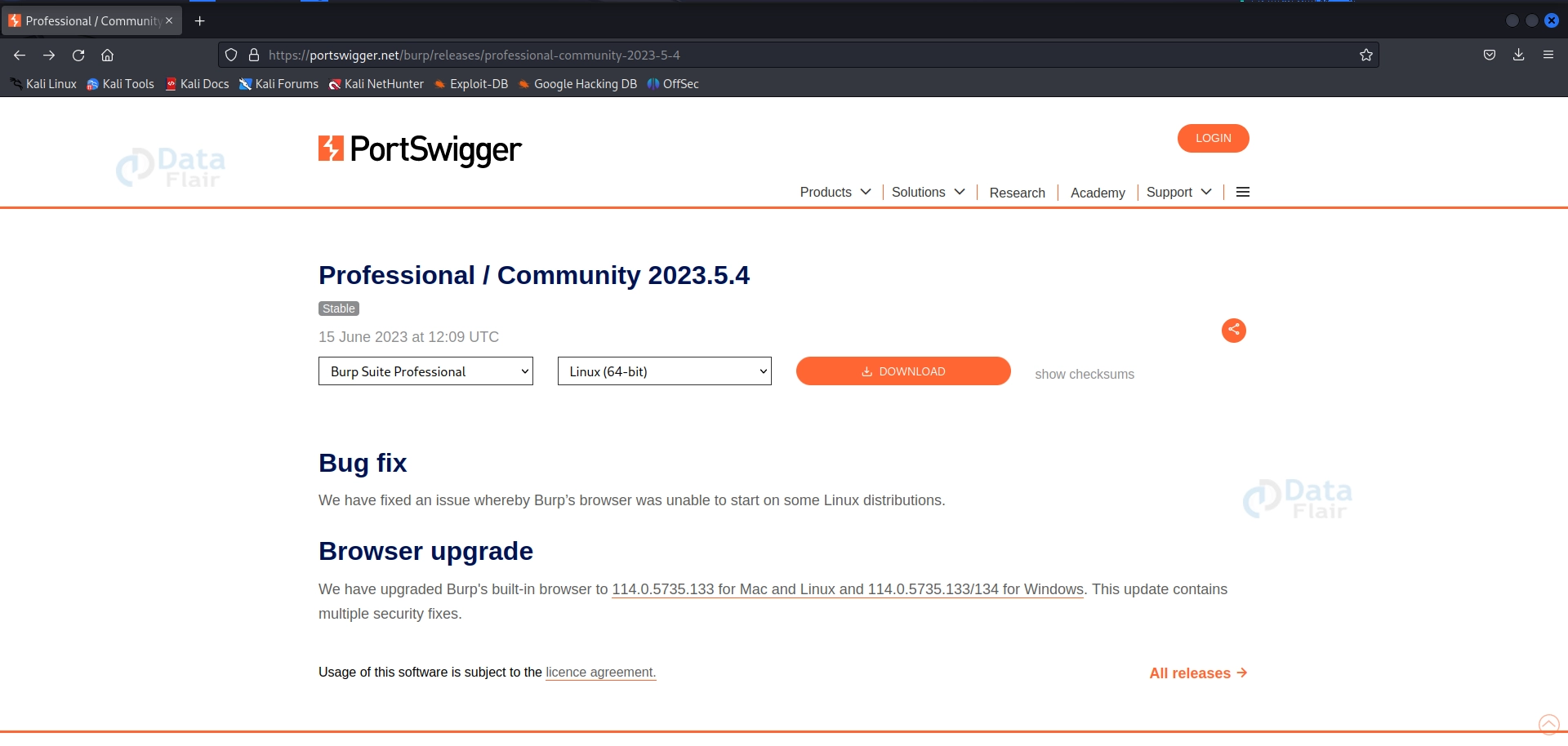
Step 1 Download Burp Suite: Visit the PortSwigger internet site and download the appropriate model of Burp Suite Community Edition for Linux.
Step 2 Extract the Archive: Extract the Burp Suite archive to a desired listing once downloaded.
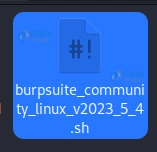
Step 3 Grant Execute Permissions: Open a terminal and navigate to the extracted Burp Suite directory.
Use the following command to supply execute permissions to the Burp Suite JAR document:
chmod +x burpsuite_community.jar

Step 4 Launch Burp Suite: Execute the following command to begin Burp Suite:
java -jar burpsuite_community.jar
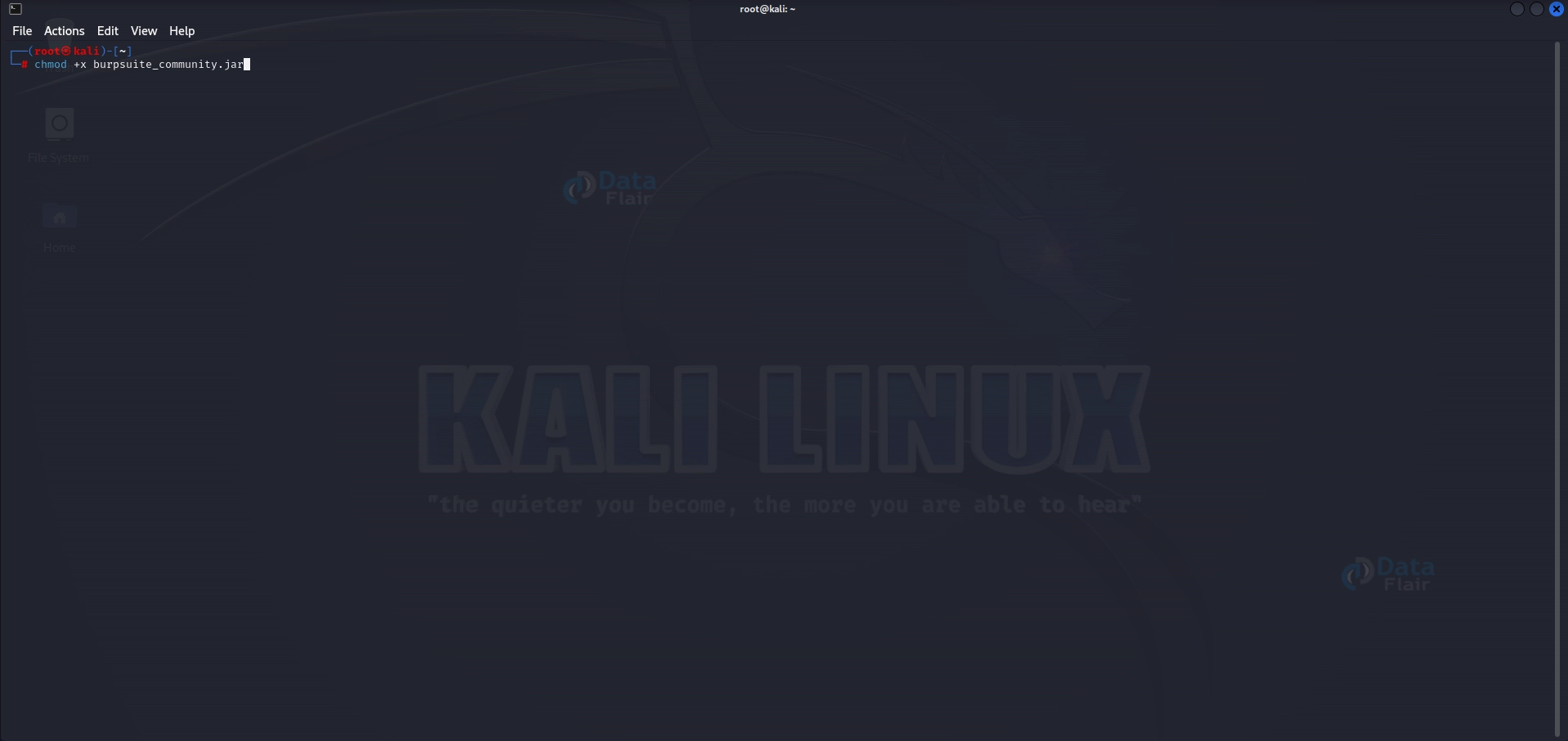
Burp Suite should now launch correctly.
Why Use Burp Suite on Kali Linux?
Burp Suite offers several advantages for web safety, which include:
Comprehensive Testing
Burp Suite presents extensive equipment to identify and exploit vulnerabilities in net packages, covering various checking-out areas along with consultation management, authentication, input validation, and more.
Powerful Proxy
The Proxy tool allows you to intercept and modify internet visitors, permitting deep evaluation and manipulation of requests and responses. It helps check out vulnerabilities like SQL injection, pass-web page scripting (XSS), and more.
Advanced Automation
Burp Suite helps automation via its extensibility and scripting abilities, making it green for performing repetitive tasks and customizing workflows. You can create custom scripts or leverage current ones from the Burp Suite community.
Extensive Reporting
The tool generates distinctive reports, documents vulnerabilities, and offers tips for remediation. These reviews help in communicating findings to stakeholders and builders for essential moves.
The Tools Offered by using Burp Suite:
Burp Suite contains several vital tools, each serving a particular motive in the internet security testing process. Let’s explore them in the element:
a) Spider:
The Spider device crawls through a goal website, coming across and mapping its structure. It helps pick out hidden pages, uncovering capability assault vectors. Spidering an internet site with Burp Suite lets you accumulate facts about the target’s structure and become aware of regions requiring further research.
B) Proxy:
The Proxy device acts as a proxy server, allowing you to intercept and regulate HTTP/S requests and responses. This allows deep analysis, injection of payloads, and the potential to look at the effect of various inputs. You can look at vulnerabilities like SQL injection, XSS, and other protection weaknesses by intercepting and editing bids.
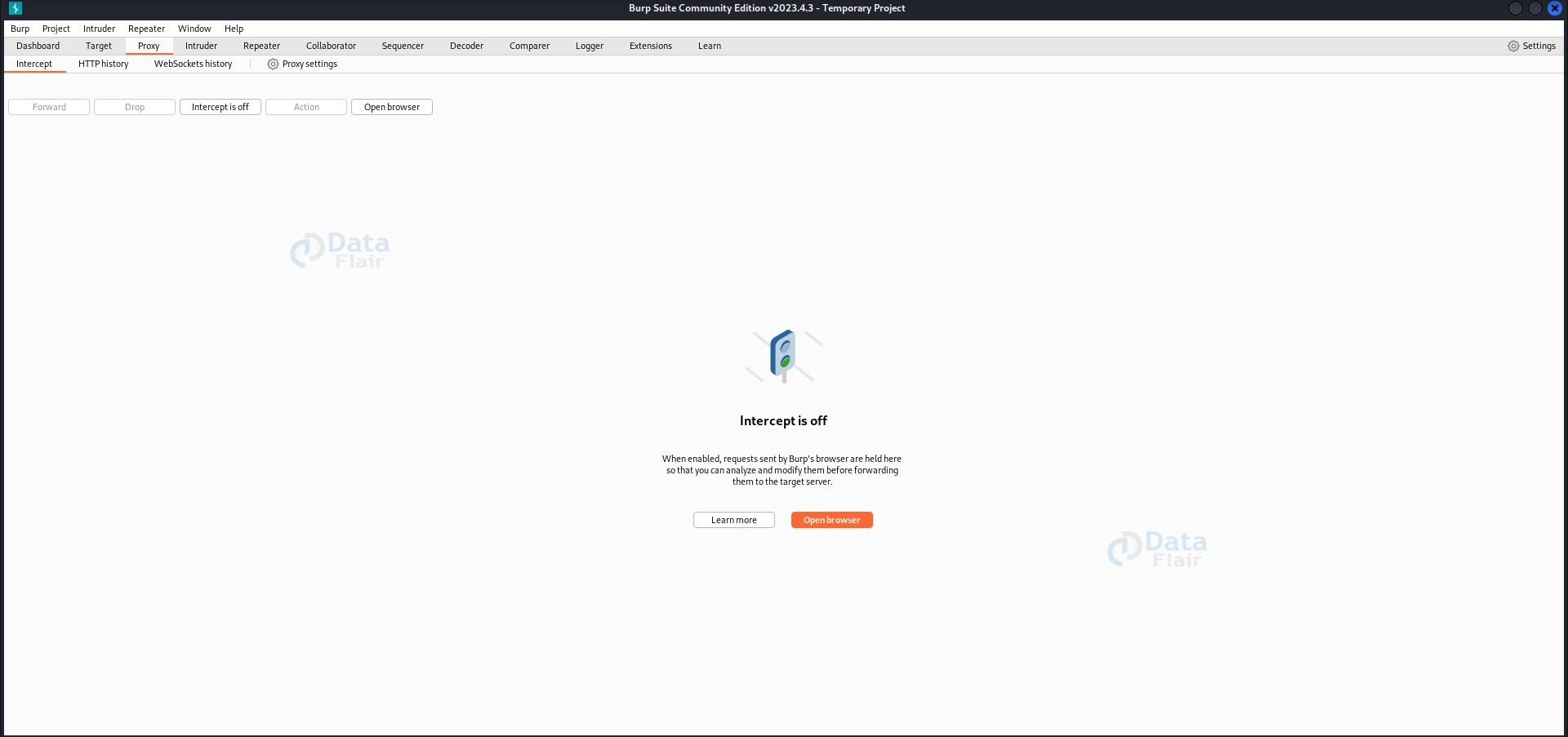
C) Intruder:
The Intruder device automates the procedure of attacking net packages. It allows you to define payloads and particular attack scenarios to check for vulnerabilities with SQL injection, go-website online scripting (XSS), and more. With Intruder, you could perform brute-force assaults, fuzzing, and parameter manipulation to identify vulnerabilities and vulnerable points inside the software’s defences.
D) Repeater:
The Repeater device enables guide manipulation and replay of man or woman HTTP/S requests. It is beneficial for exploring the effect of modified requests on the software’s behavior. Repeater lets you change precise components of an appeal, including parameters, headers, and cookies, to test how the utility responds and perceives ability vulnerabilities.

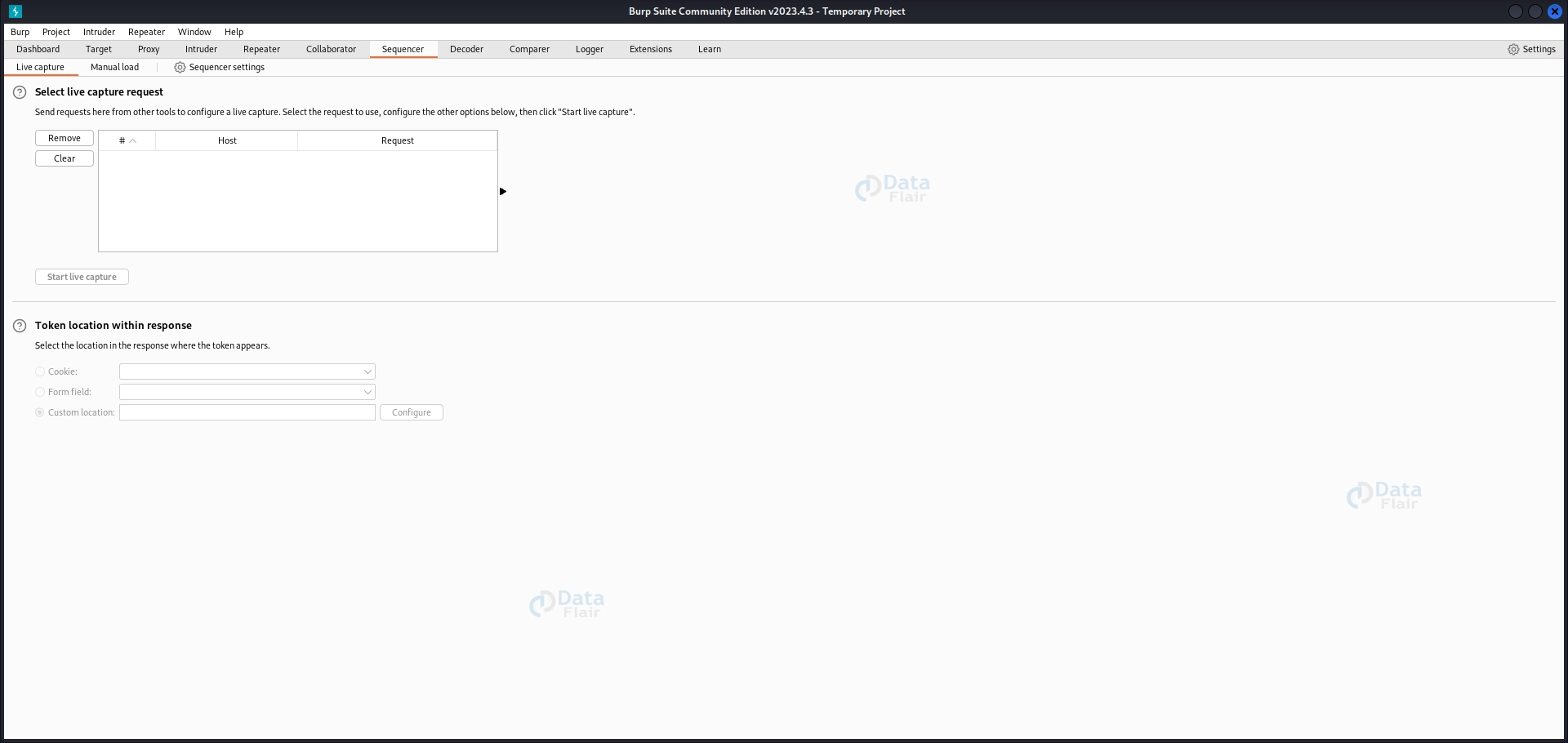
E) Sequencer:
The Sequencer device analyzes the nice and randomness of the session and anti-CSRF tokens. It helps us become aware of weaknesses in token technology algorithms. By studying the randomness and predictability of tokens, the Sequencer can display vulnerabilities associated with consultation management and token-primarily-based safety mechanisms.
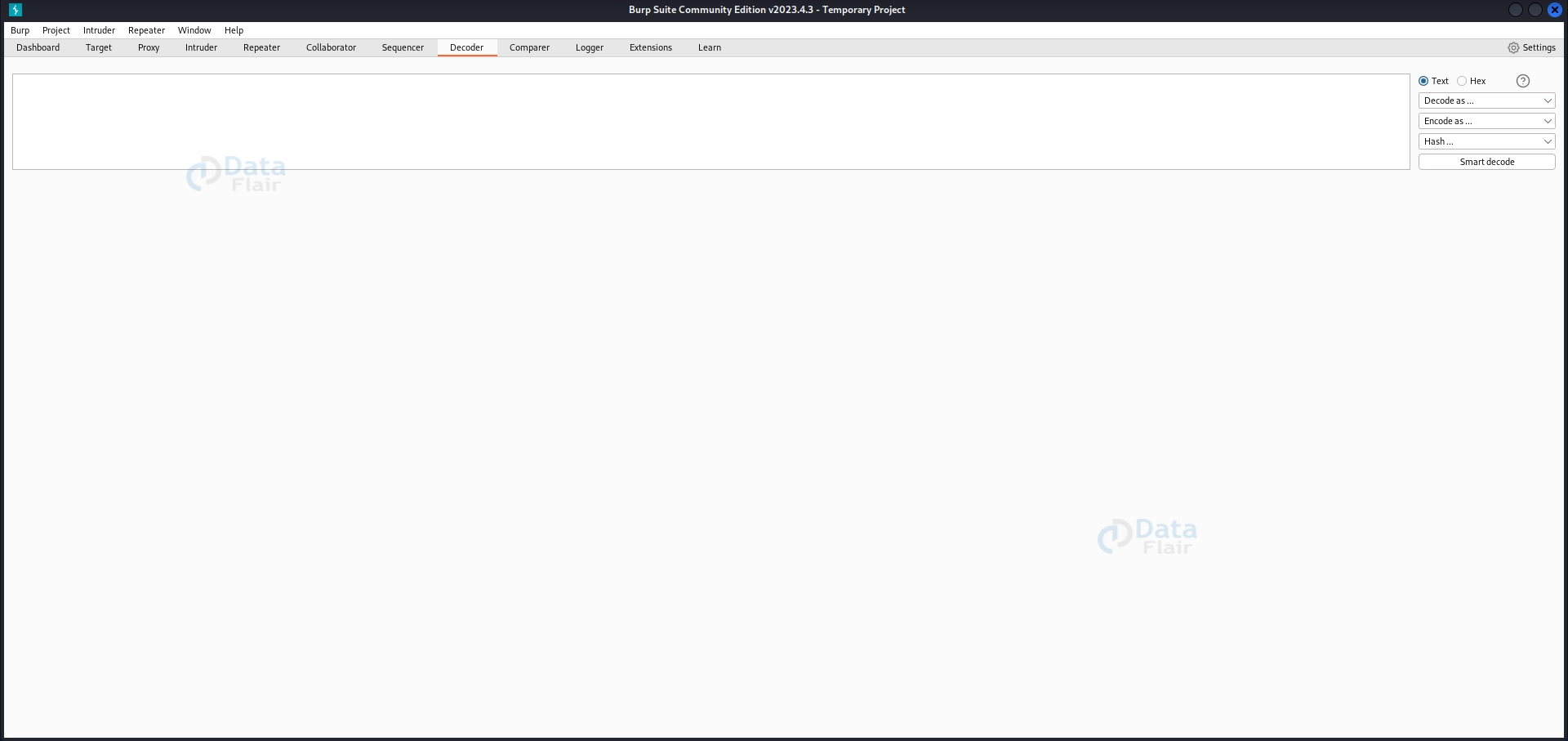
F) Decoder:
The Decoder tool provides several encoding and deciphering functionalities. It assists in decoding and modifying encoded facts inside requests and responses. Decoding encoded statistics helps discover hidden records or vulnerabilities in the utility. The Decoder device supports numerous encodings like Base64, URL encoding, HTML encoding, and more.
G) Extender:
The Extender tool allows you to customize and make Burp Suite’s functionality bigger by writing your plugins or using existing ones from the network. With the Extender device, you can upload new functions, automate obligations, combine them with different tools, and decorate your testing talents based on unique necessities.
H) Scanner:
The Scanner device automates the identification of security vulnerabilities in net applications. It performs various exams, together with SQL injection, XSS, insecure configurations, and more. The Scanner tool helps detect common vulnerabilities quickly, providing an extra layer of automated protection testing.
Burp Suite Tutorial – Spidering a Website:
Spidering a website with Burp Suite allows for figuring out the site’s structure and ability to attack vectors. Follow those steps to spider an internet site:
Step 1: Setup Proxy:
Properly putting in place the proxy guarantees that Burp Suite can intercept and examine website visitors. This step-through-step manual will assist you in configuring your browser to apply Burp Suite as a proxy, permitting thorough evaluation and manipulation of requests and responses.
Step 2: Getting Content into Burp Suite:
Learn how to capture net visitors by configuring your browser to send requests via Burp Suite. This step allows you to investigate and control requests and responses, permitting comprehensive testing for protection vulnerabilities.
Step 3: Scope Selection & Starting Spider:
Understand the way to outline the scope of your spidering hobby. By deciding on the correct range, you may focus the spider on particular directories or URLs, ensuring a thorough analysis of the target internet site. Learn a way to begin the spider to initiate the crawling technique.
Step 4: Manipulating Details:
Explore the spider’s results and benefit insights into the target internet site’s shape. Discover hidden pages, examine ability vulnerabilities, and use the tools furnished with the aid of Burp Suite to govern and test unique components of the internet site. Uncover protection weaknesses and vulnerabilities that might be exploited by way of attackers.
Ethical and Legal Considerations:
When accomplishing net safety by checking out the usage of gear like Burp Suite, it’s crucial to stick to ethical and legal tips. Consider the subsequent factors to make sure responsible and professional behavior:
1. Obtain proper authorization before any testing appears on a web utility.
2. Respect legal privacy guidelines and maintain the confidentiality of touchy data encountered during checkout.
3. Minimize effect on production systems and avoid disruption or damage.
4. Communicate findings responsibly by promptly notifying the legal owner and providing exact reviews.
5. Engage in continuous professional improvement to live updated with security traits and first-rate practices.
6. Foster collaboration and know-how sharing in the security network.
7. Adhere to legal necessities and ensure compliance with applicable laws and guidelines.
By following those ethical and legal concerns, you contribute to more secure digital surroundings and establish belief among protection professionals and corporations.
Conclusion:
Burp Suite is an integral device for net software protection testing, offering a comprehensive set of functions and equipment to pick out vulnerabilities, examine net visitors, and simulate assaults.
By following the tutorials and suggestions in this blog, you could beautify your web security by trying out talents and contributing to building extra stable packages.
Remember, accountable and moral use of Burp Suite is important to preserve belief, defend consumer facts, and ensure a more secure online environment for all. Always gain the right authorization before engaging in safety assessments or penetration trying out on any gadget or utility. Adhering to ethical and criminal tips promotes a safety culture and fosters collaboration among protection specialists and alertness developers.
We work very hard to provide you quality material
Could you take 15 seconds and share your happy experience on Google





