
Top Uses of Kali Linux
Interactive Online Courses: Elevate Skills & Succeed Enroll Now!
In the realm of ethical hacking and penetration testing, Kali Linux stands as a prominent and powerful tool. Developed by offensive security experts, Kali Linux provides a comprehensive platform for various cybersecurity tasks.
With a vast range of tools and features specifically designed for penetration testing and digital forensics, Kali Linux has become an indispensable asset for security professionals. In this blog, we will explore some of the remarkable uses of Kali Linux and highlight its significance in the field of cybersecurity.
1. Penetration Testing
Penetration testing, or ethical hacking, is a crucial aspect of ensuring the security of computer systems and networks. Kali Linux offers an extensive suite of tools and resources for conducting penetration tests, allowing security professionals to identify vulnerabilities and weaknesses in target systems.
With tools like Metasploit, Nmap, Wireshark, and Aircrack-ng, Kali Linux provides a robust environment for simulating real-world attacks and assessing the security posture of systems.
- Example: Using Metasploit framework in Kali Linux to simulate a real-world attack on a target system, exploiting vulnerabilities and gaining unauthorized access to demonstrate the need for security patches and measures.
- Tools like Metasploit, Nmap, Wireshark, and Aircrack-ng
- Simulating real-world attacks to identify vulnerabilities

2. Network Mapping and Analysis
Kali Linux includes powerful tools for network mapping and analysis, making it an ideal choice for network administrators and security analysts. With tools such as Nmap and Zenmap, users can scan and map network hosts, discover open ports, and identify potential vulnerabilities. This capability enables organizations to proactively assess their network infrastructure, identify potential weaknesses, and implement appropriate security measures to mitigate risks.
- Example: Utilizing Nmap in Kali Linux to scan a network, discover active hosts, identify open ports, and map the network topology, enabling network administrators to assess potential security risks and vulnerabilities.
- Tools like Nmap and Zenmap for scanning and mapping networks
- Proactive assessment of network infrastructure and vulnerabilities

3. Digital Forensics
Digital forensics plays a vital role in investigating and analyzing digital evidence in criminal cases or cybersecurity incidents. Kali Linux offers a wide range of tools for digital forensics, allowing investigators to recover deleted files, analyze disk images, and extract valuable information from various digital sources.
Tools like Autopsy, Sleuth Kit, and Volatility Framework are included in Kali Linux, providing professionals with the necessary resources to conduct detailed forensic investigations.
- Example: Employing Autopsy in Kali Linux to analyze a disk image obtained from a compromised system, recovering deleted files, examining file metadata, and extracting evidence for forensic investigation and legal proceedings.
- Tools like Autopsy, Sleuth Kit, and Volatility Framework
- Recovering deleted files and analyzing digital evidence

4. Wi-Fi Hacking and Security Assessment
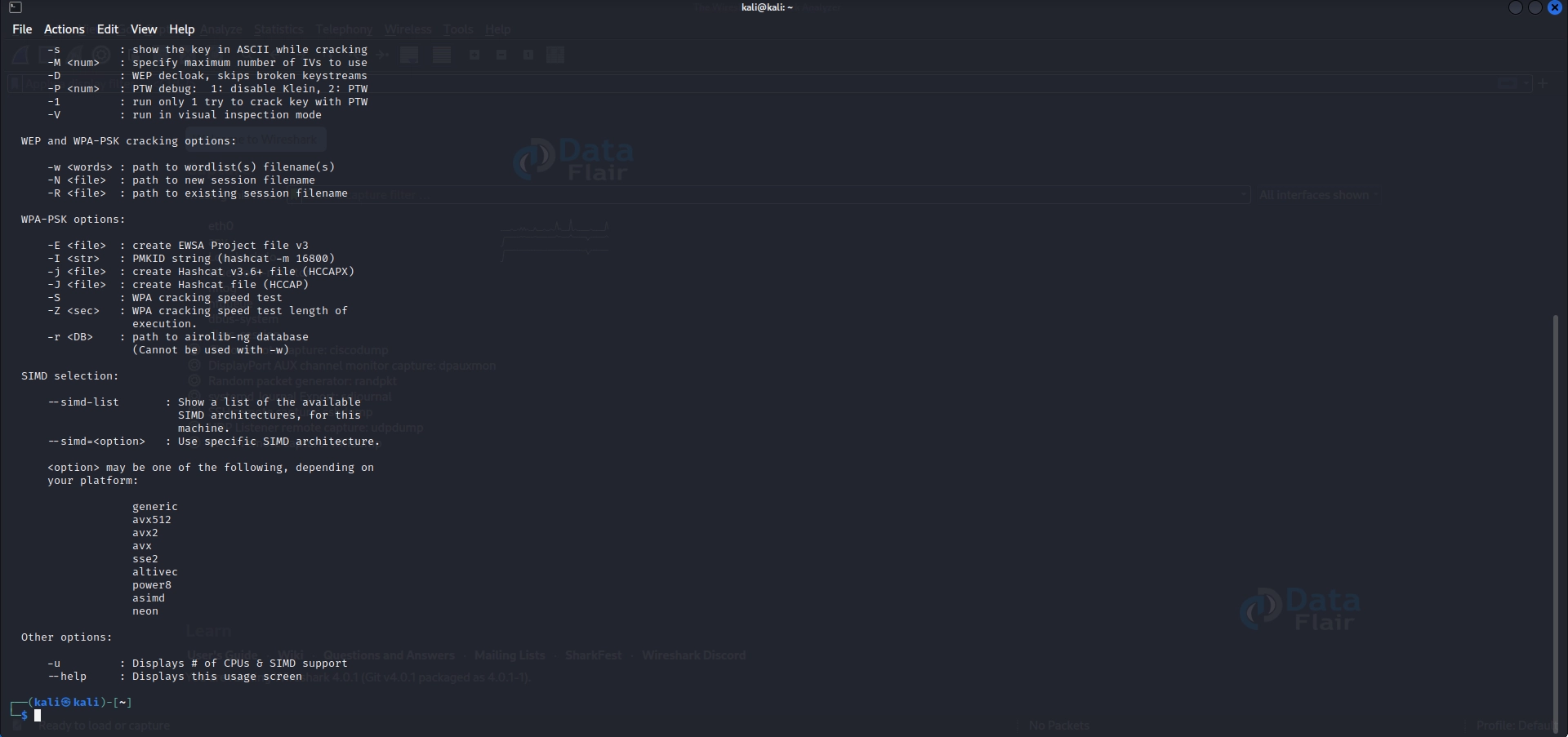
Wi-Fi networks are commonly targeted by malicious actors due to their prevalence and vulnerabilities. Kali Linux provides tools such as Aircrack-ng, Reaver, and Wifite, which can be utilized for security assessment and testing of wireless networks. By assessing the security of Wi-Fi networks, organizations can identify weak configurations, insecure access points, or potential vulnerabilities that could be exploited by attackers.
- Example: Using Aircrack-ng in Kali Linux to assess the security of a Wi-Fi network, performing a WEP or WPA/WPA2 cracking attack to demonstrate the vulnerability of weakly protected wireless networks.
- Tools like Aircrack-ng, Reaver, and Wifite
- Assessing Wi-Fi network security and identifying vulnerabilities
5. Password Cracking
In the realm of cybersecurity, weak passwords remain a significant concern. Kali Linux offers various password-cracking tools, such as John the Ripper and Hydra, which enable security professionals to test the strength of passwords and assess the effectiveness of password policies. By identifying weak passwords, organizations can enforce stronger authentication mechanisms and enhance overall security.
- Example: Utilizing John the Ripper in Kali Linux to crack passwords encrypted with different hashing algorithms, such as MD5 or SHA, highlighting the importance of using strong and unique passwords.
- Tools like John the Ripper and Hydra
- Testing password strength and evaluating password policies
6. Education and Training
Kali Linux is widely used as an educational tool for cybersecurity enthusiasts, students, and professionals seeking to enhance their knowledge and skills. Its vast array of pre-installed tools and comprehensive documentation make it an ideal platform for learning and practising various security techniques.
Many universities, training institutes, and cybersecurity certifications incorporate Kali Linux into their coursework to provide hands-on experience in real-world scenarios.
- Example: Setting up virtual environments in Kali Linux for cybersecurity training exercises, allowing students to practice hands-on techniques like SQL injection, XSS attacks, and network reconnaissance in a controlled and safe environment.
- Kali Linux as an educational tool for cybersecurity learning
- Hands-on experience with real-world scenarios
7. Web Application Testing
Kali Linux provides a range of tools like Burp Suite, OWASP ZAP, and SQLMap for testing the security of web applications. Security professionals can simulate attacks, identify vulnerabilities, and recommend remediation measures to enhance the security of web-based systems.
- Example: Employing Burp Suite in Kali Linux to perform a comprehensive security assessment of a web application, identifying vulnerabilities like cross-site scripting (XSS), SQL injection, and insecure direct object references.
- Tools like Burp Suite, OWASP ZAP, and SQLMap
- Assessing and enhancing web application security

8. Malware Analysis
Kali Linux offers tools such as Maltego, Cuckoo Sandbox, and VirusTotal for analyzing and dissecting malware samples. Security analysts can use these tools to understand the behavior, functionality, and impact of malicious software, enabling them to develop effective countermeasures and protection strategies.
- Example: Using Cuckoo Sandbox in Kali Linux to analyze a suspicious executable file, monitor its behavior, capture network traffic, and generate detailed reports to understand the malware’s capabilities and potential impact.
- Tools like Maltego, Cuckoo Sandbox, and VirusTotal
- Analyzing and understanding malware behavior
9. Social Engineering Assessments
Social engineering attacks remain a prevalent threat to organizations. Kali Linux includes tools like Social-Engineer Toolkit (SET) and BeEF (Browser Exploitation Framework) that aid in conducting social engineering assessments. These tools assist in testing the susceptibility of individuals and organizations to phishing attacks, impersonation, and other manipulative tactics.
- Example: Using the Social-Engineer Toolkit (SET) in Kali Linux to simulate phishing attacks, creating realistic phishing emails and landing pages to evaluate an organization’s susceptibility to social engineering techniques.
- Tools like Social-Engineer Toolkit (SET) and BeEF
- Evaluating Susceptibility to Social Engineering Attacks

10. Wireless Network Auditing
Kali Linux provides tools like Wifiphisher and Fern Wi-Fi Cracker for auditing the security of wireless networks. Professionals can assess network encryption, detect unauthorized access points, and evaluate the effectiveness of wireless security measures to prevent unauthorized access.
- Example: Utilizing Wifiphisher in Kali Linux to perform a wireless network audit, demonstrating the risks of open networks, weak encryption, or rogue access points, and providing recommendations to improve wireless security.
- Tools like Wifiphisher and Fern Wi-Fi Cracker
- Auditing wireless network security and preventing unauthorized access
11. Security Information and Event Management (SIEM)
Kali Linux can be utilized as a SIEM tool by integrating it with other security solutions. Security analysts can use Kali Linux to collect and analyze security logs, monitor network traffic, and detect potential security incidents or anomalies.
- Example: Integrating Kali Linux with a SIEM solution like ELK (Elasticsearch, Logstash, and Kibana) to collect and analyze security logs, monitor network traffic, and detect potential security incidents or anomalies in real-time.
- Using Kali Linux for security log analysis and event monitoring
12. Exploit Development
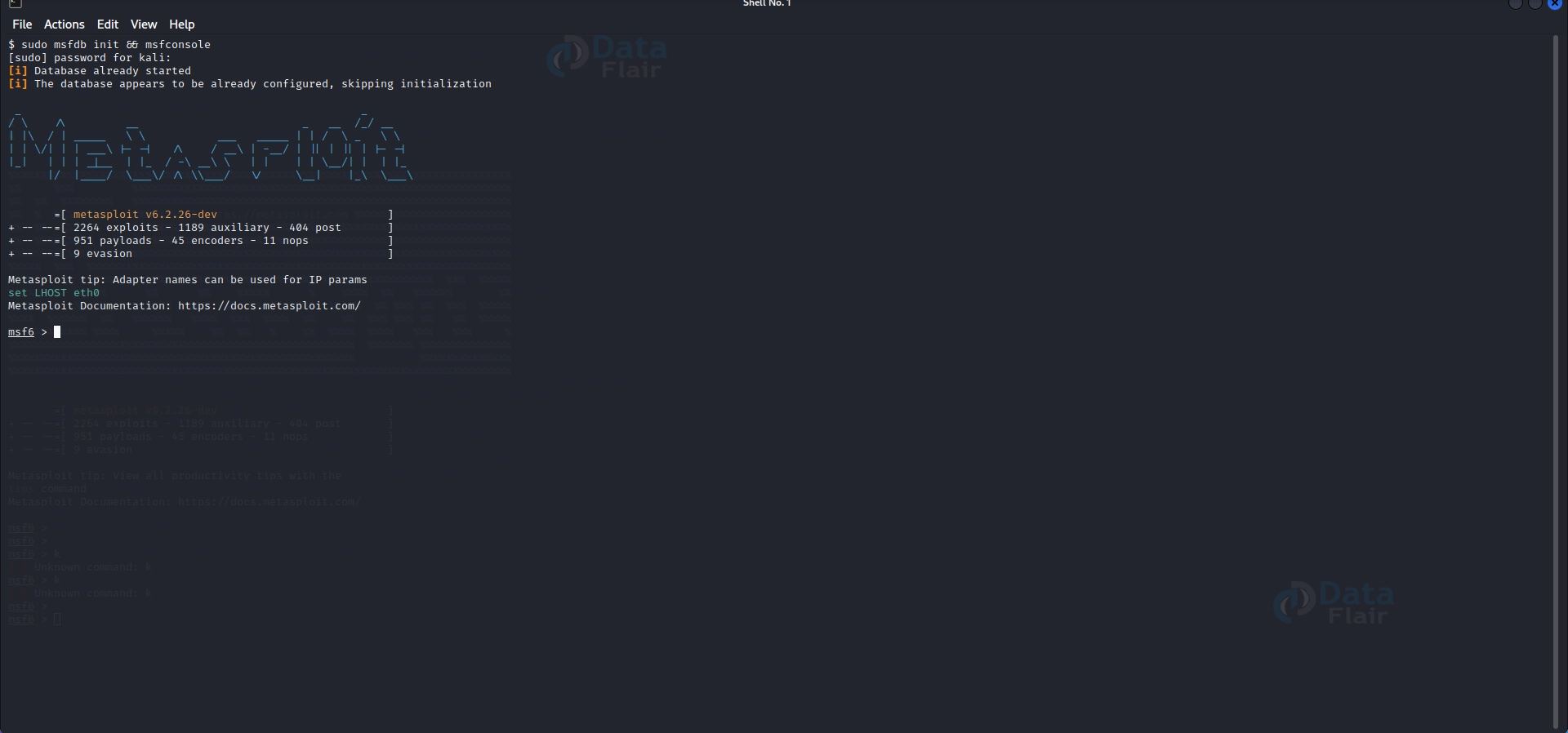
Kali Linux offers a platform for exploring exploit development techniques. With tools like Metasploit and Immunity Debugger, security professionals can understand the vulnerabilities in software applications, develop proof-of-concept exploits, and contribute to the improvement of system security.
- Example: Using Metasploit framework and Immunity Debugger in Kali Linux to analyze and develop exploits for known vulnerabilities in software applications, aiding in the improvement of system security and patch management.
- Tools like Metasploit and Immunity Debugger
- Developing exploits for vulnerabilities and improving system security
13. Password Auditing and Policy Enforcement
Kali Linux includes tools such as Hashcat and Password Strength Assessment (Patator) for auditing passwords and enforcing password policies. Security professionals can identify weak passwords, test password complexity, and recommend stronger authentication practices to enhance overall security posture.
- Example: Employing Hashcat in Kali Linux to audit password hashes obtained from a compromised database, demonstrating the importance of enforcing strong password policies and highlighting the risks of weak passwords.
- Tools like Hashcat and Password Strength Assessment (Patator)
- Auditing passwords and enforcing password policies

14. Secure Communications:
Kali Linux provides various privacy-focused tools like Tor, GnuPG, and OpenVPN, which can be used to ensure secure and private communication over networks. These tools enable users to encrypt communications, protect sensitive data, and maintain anonymity online.
- Example: Utilizing GnuPG in Kali Linux to encrypt emails or files, leveraging Tor to anonymize internet traffic, and configuring OpenVPN to establish a secure and private connection, ensuring confidentiality and data protection.
- Tools like Tor, GnuPG, and OpenVPN
- Ensuring secure and private communication over networks
15. Install Git:
Git is a popular version control system that allows you to track changes in files and collaborate with others. To install Git on Kali Linux, follow these steps:
- Open a terminal window
- Execute the command: sudo apt-get update
- Execute the command: sudo apt-get install git
- Verify the installation by running: git –version
16. Configure Bash Aliases:
Bash aliases provide shortcuts for frequently used commands, making your workflow more efficient. Here’s how you can configure them:
- Open the terminal
- Edit the `.bashrc` file using a text editor like `nano` or `vim`
- Add your aliases using the syntax: `alias shortcut=’command’`
- Save the changes and exit the editor
- To apply the changes immediately, run: `source ~/.bashrc`
17. Create a New Low-Privileged User:
For improved security, it’s recommended to use a non-root user account for daily activities. Here’s how you can create a new low-privileged user:
- Open a terminal
- Execute the command: `sudo adduser username`
- Replace “username” with the desired username and provide a secure password
- Follow the prompts to set additional user information
- The new user account will be created and ready to use
18. Install a Terminal Multiplexer:
Terminal multiplexers allow you to manage multiple terminal sessions within a single window. One popular multiplexer is “tmux.” To install tmux, follow these steps:
- Open a terminal
- Execute the command: `sudo apt-get update`
- Execute the command: `sudo apt-get install tmux`
- Verify the installation by running: `tmux -V`
19. Install the Latest Version of TOR:
TOR is a network anonymization tool that helps protect your online privacy. To install the latest version of TOR on Kali Linux, use the following steps:
- Open a terminal
- Execute the command: `sudo apt-get update`
- Execute the command: `sudo apt-get install tor`
- The latest version of TOR will be installed on your system
Important reasons that make Kali Linux so popular with hackers.
Kali Linux has emerged as a favorite operating system among cybersecurity professionals and hackers alike. With its extensive suite of testing tools and specialized features, Kali Linux provides a powerful platform for ethical hacking, penetration testing, and digital forensics.
In this blog, we will explore some important reasons that contribute to Kali Linux’s popularity within the hacker community and why it has become a go-to operating system for those involved in cybersecurity.
1. Requires Minimal System Resources
One significant reason for Kali Linux’s popularity is its minimal system resource requirements. Unlike other operating systems that may demand high-end hardware, Kali Linux is designed to run efficiently on even modest hardware configurations. This feature allows hackers and cybersecurity enthusiasts to set up virtual environments or run Kali Linux on lightweight systems, making it accessible to a broader audience.
2. Kali Linux Is Good for Beginners
Kali Linux’s user-friendly interface and extensive documentation make it an excellent choice for beginners in the field of cybersecurity. The operating system provides a well-organized and intuitive environment that simplifies the learning process.
Additionally, Kali Linux offers a wide range of pre-installed tools with detailed tutorials and resources, allowing beginners to gain hands-on experience and understand the intricacies of hacking and penetration testing.
3. Kali Linux Is Legal
One crucial aspect that sets Kali Linux apart is its legality. Kali Linux is an open-source project developed by Offensive Security, and it is entirely legal to use for ethical hacking and penetration testing purposes.
By adhering to ethical guidelines and obtaining proper permissions, security professionals can utilize Kali Linux to identify vulnerabilities, secure systems, and protect against malicious attacks. Its legality provides peace of mind to hackers and cybersecurity experts who want to use their skills for ethical purposes.
4. Kali Linux Ships With Hundreds of Testing Tools
A primary factor that makes Kali Linux the go-to operating system for hackers is its extensive collection of pre-installed testing tools. Kali Linux ships with hundreds of specialized tools for penetration testing, vulnerability assessment, network mapping, digital forensics, password cracking, and more.
Tools like Metasploit, Nmap, Wireshark, Aircrack-ng, and Burp Suite are just a few examples of the powerful tools included in Kali Linux’s arsenal. This comprehensive suite of tools saves hackers time and effort by eliminating the need to search, download, and configure each tool individually.
Kali Linux: Heaven for Hackers?
While Kali Linux’s popularity among hackers is undeniable, it is essential to recognize that the operating system’s true purpose lies in ethical hacking, security testing, and digital forensics. Kali Linux empowers security professionals to identify vulnerabilities, secure systems, and protect against potential threats. The ultimate goal is to strengthen cybersecurity measures and ensure the safety of digital assets.
It is crucial to emphasize that ethical hacking should always be performed with proper authorization and adherence to legal and ethical guidelines. The use of Kali Linux as a tool for learning, practising, and contributing to the field of cybersecurity is what truly makes it a heaven for hackers with the right mindset and intentions.
Conclusion
Kali Linux is a versatile and powerful operating system that has transformed the field of cybersecurity. Its extensive suite of tools, designed specifically for penetration testing, digital forensics, and security assessment, has made it a go-to platform for security professionals, hackers, and ethical hackers alike.
With its minimal system resource requirements, beginner-friendly interface, and legal status, Kali Linux offers a robust environment for conducting essential cybersecurity tasks, such as identifying vulnerabilities, mapping networks, investigating cybercrimes, and enhancing Wi-Fi security. When used responsibly and within the bounds of the law, Kali Linux provides a valuable resource for securing systems, protecting sensitive information, and ultimately enhancing overall cybersecurity in the ever-evolving threat landscape.
Your 15 seconds will encourage us to work even harder
Please share your happy experience on Google





