
OpenCV Detecting Contours Project
Machine Learning courses with 100+ Real-time projects Start Now!!
OpenCV is a computer vision library that can be used to process images and identify the boundaries or outlines of shapes within them. These boundaries, known as contours, can be used for a variety of tasks such as object detection and segmentation.
OpenCV offers different algorithms to detect contours, including Canny, Sobel, and Laplacian edge detection. In this project, we will explore how to use OpenCV to detect contours in images and provide sample code and practical applications to demonstrate its usefulness.
Preprocessing of an Image using OpenCV
Before detecting the edges in an image using OpenCV, it’s important to preprocess the image to reduce noise and highlight the edges. This is done through methods like smoothing, thresholding, and morphological operations.
Smoothing helps reduce the noise in the image, while thresholding converts it to a binary format, making it easier to detect the edges.
Morphological operations can help remove gaps in the edges and make them more prominent. It’s important to experiment with different techniques to find the best one for the particular image. Once the image is preprocessed, contour detection algorithms can be applied to identify and extract the edges from the image.
Detecting Contours
Detecting contours in an image means finding the outline of objects within it, and OpenCV is a tool that helps with this task. It offers various methods like the Canny edge detector and the findContours function to achieve this. The findContours function analyzes the pixels in an image and identifies areas with similar intensity to detect contours, which are the boundaries of objects in the image. These contours can be used for many applications like object recognition, tracking, and segmentation. Contour detection is a crucial technique in computer vision as it helps with analyzing and manipulating objects in images.
Canny edge detector
The Canny edge detector is a tool used in image processing to find the edges in digital images. It was created by a man named John F. Canny in 1986, and it’s known for being really good at finding edges without making too many mistakes. To find edges, the Canny edge detector first cleans up the image by getting rid of noise, and then it looks for changes in the image using a mathematical technique called the Sobel operator. Once it finds the edges, it gets rid of any unnecessary lines and only shows the important edges. The Canny edge detector is used in many fields, like identifying objects, tracking movement, and splitting images into parts. People really like the Canny edge detector because it’s one of the best ways to find edges in images.
findContours() function
The findContours() function is a tool used in computer vision that helps detect objects in an image. It takes an image as input and finds the outlines or boundaries of the objects within the image, which are called “contours”. These contours can then be used to analyze different properties of the objects like their size, shape, and location. The findContours() function can be adjusted with different settings to make it work better for different types of images or specific object detection needs. It’s a really useful tool in fields like robotics, gesture recognition, and tracking objects.
Prerequisites for Detecting Contours Using OpenCV
It is important to have a solid understanding of the Python programming language and the OpenCV library. Apart from this, you should have the following system requirements.
1. Python 3.7 and above
2. Any Python editor (VS code, Pycharm, etc.)
Download OpenCV Detecting Contours Project
Please download the source code of OpenCV Detecting Contours Project: OpenCV Detecting Contours Project Code.
Installation
Open windows cmd as administrator
1. To install the opencv library run the command from the cmd.
pip install opencv-python
Let’s Implement It
To implement it follow the below step.
1. First of all we are importing all the necessary libraries that are required during implementation.
import cv2
import numpy as np
2. This line of code reads an image file named “Rectangle.jpg” from the “image” folder located in the current working directory using the OpenCV imread() function. The image file is loaded into a variable called img.
img = cv2.imread('image/Rectangle.jpg')
3. This line of code converts the input image from the BGR color space to the grayscale color space using the cvtColor() function provided by OpenCV.
gray = cv2.cvtColor(img, cv2.COLOR_BGR2GRAY)
Output of this step

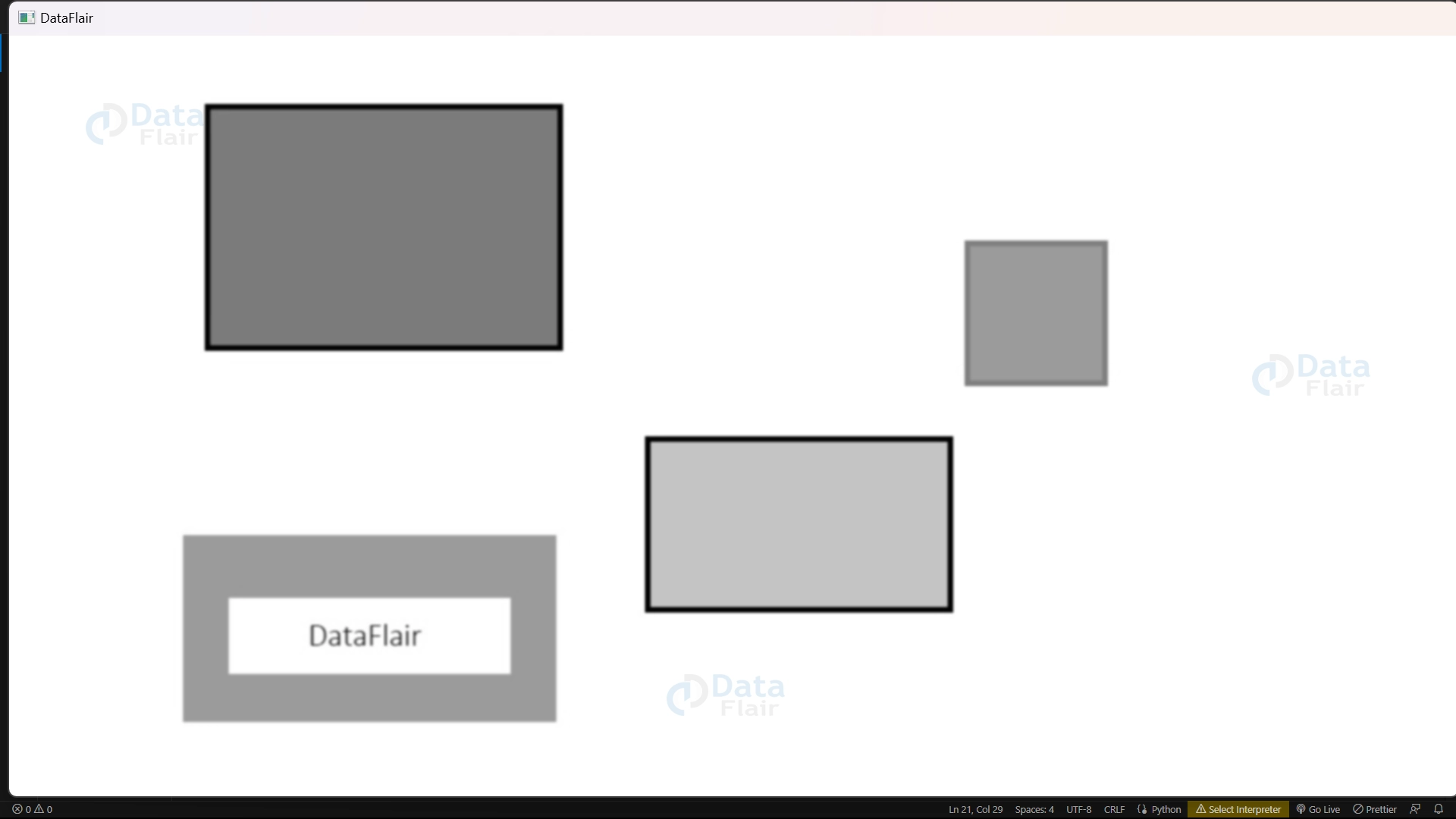
4. This line applies a filter called Gaussian blur to the grayscale image to remove small details and smooth out the image. It uses a small matrix to average the pixel values in the image and create a blurred effect. The size of the matrix and the standard deviation determine the level of blurring.
blur = cv2.GaussianBlur(gray, (5,5), 0)
Output of this step
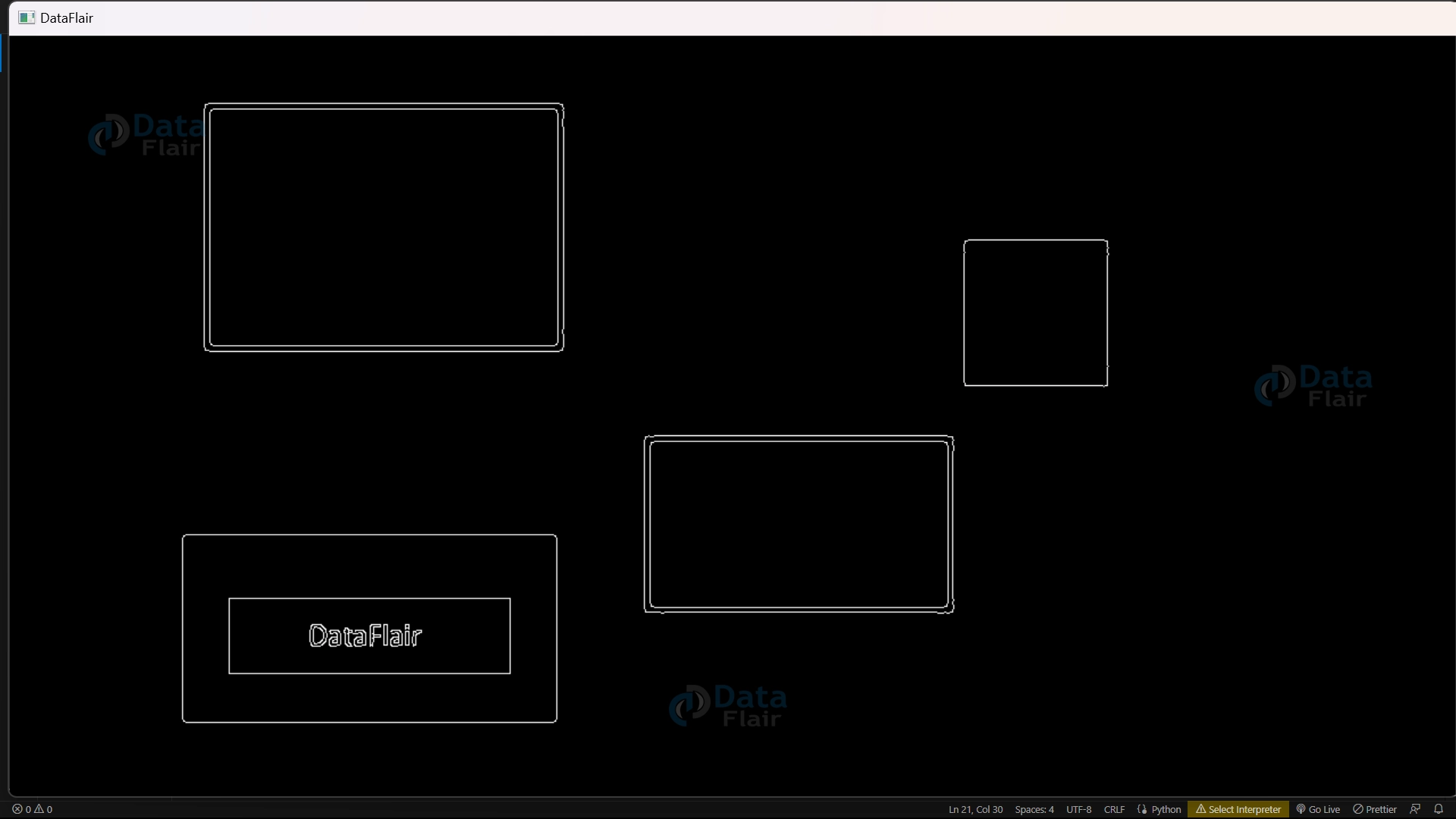
5. This line detects edges in the blurred image ‘blur’ and produces a black and white image where the edges are white and everything else is black.
edges = cv2.Canny(blur, 50, 200)
Output of this step
6. This line finds the outlines of shapes or objects in the image ‘edges’ using the ‘cv2.findContours()’ function. It returns a list of outlines, which represent the boundaries of the shapes or objects. The outlines are found by detecting the changes in intensity in the image, and this function returns the list of points that form the outlines.
contours, hierarchy = cv2.findContours(edges, cv2.RETR_EXTERNAL, cv2.CHAIN_APPROX_SIMPLE)
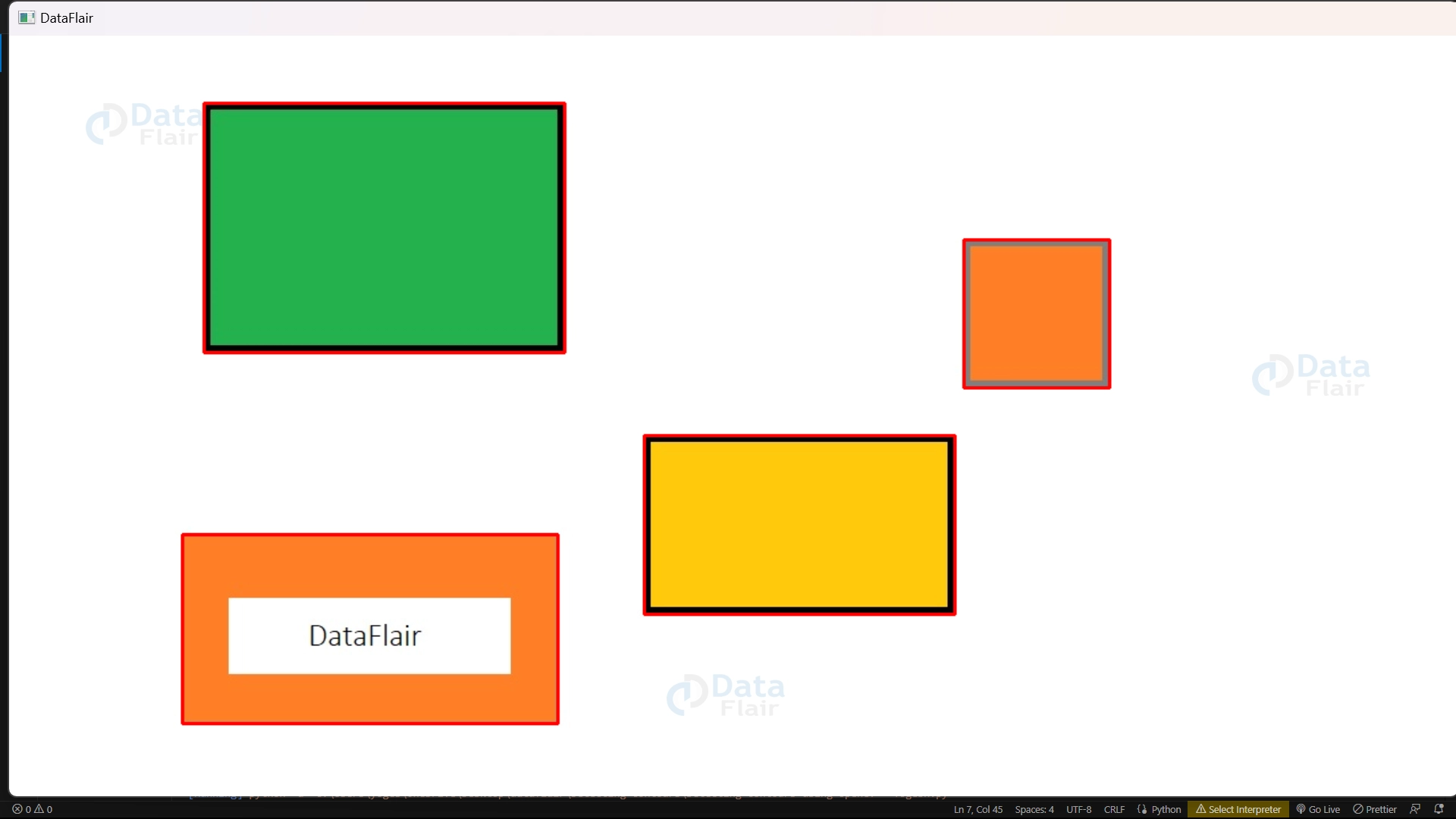
7. This code loops through each contour found in the image and draws a rectangle around each contour in the original image. The rectangle is drawn using the ‘cv2.rectangle()’ function with the coordinates of the bounding rectangle, which were calculated using ‘cv2.boundingRect()’.
for cont in contours:
    x, y, w, h = cv2.boundingRect(cont)
    cv2.rectangle(img, (x, y), (x+w, y+h), (0, 0, 255), 2)
8. This code displays the final image ‘img’ with the detected rectangles in a window named “DataFlair”. It waits for a key event and exits if any key is pressed. The ‘cv2.destroyAllWindows()’ function destroys all the windows created.
cv2.imshow("DataFlair", img)
cv2.waitKey(0)
cv2.destroyAllWindows()
OpenCV Detecting Contours Output
Conclusion
Contour detection is important in image processing for extracting information about objects in an image. OpenCV provides powerful functions for contour detection, such as ‘cv2.findContours()’. Once contours are found, useful information can be extracted by performing operations like drawing bounding boxes.
Contour detection has applications in object recognition, image segmentation, and computer vision. OpenCV’s implementation is efficient and flexible, making it essential for computer vision projects.
Your 15 seconds will encourage us to work even harder
Please share your happy experience on Google





