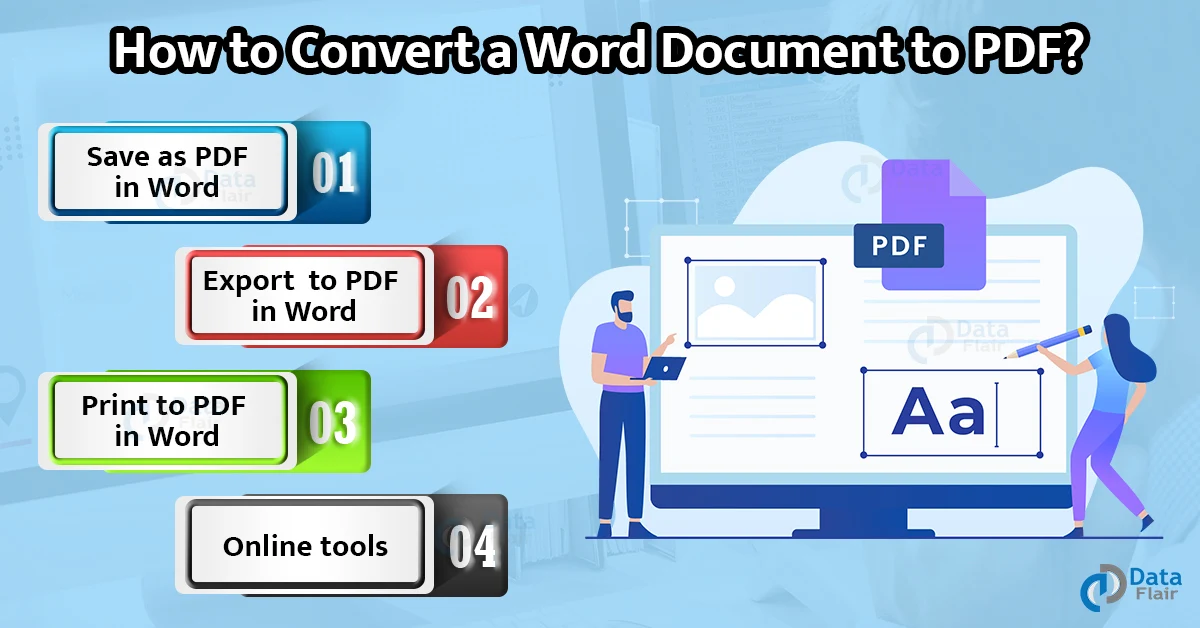
How to Convert Word Document to PDF?
Several times, you might wish to have your Word document in PDF format instead of its native format. There are many reasons why users often use files in PDF format rather than native Word...

Several times, you might wish to have your Word document in PDF format instead of its native format. There are many reasons why users often use files in PDF format rather than native Word...
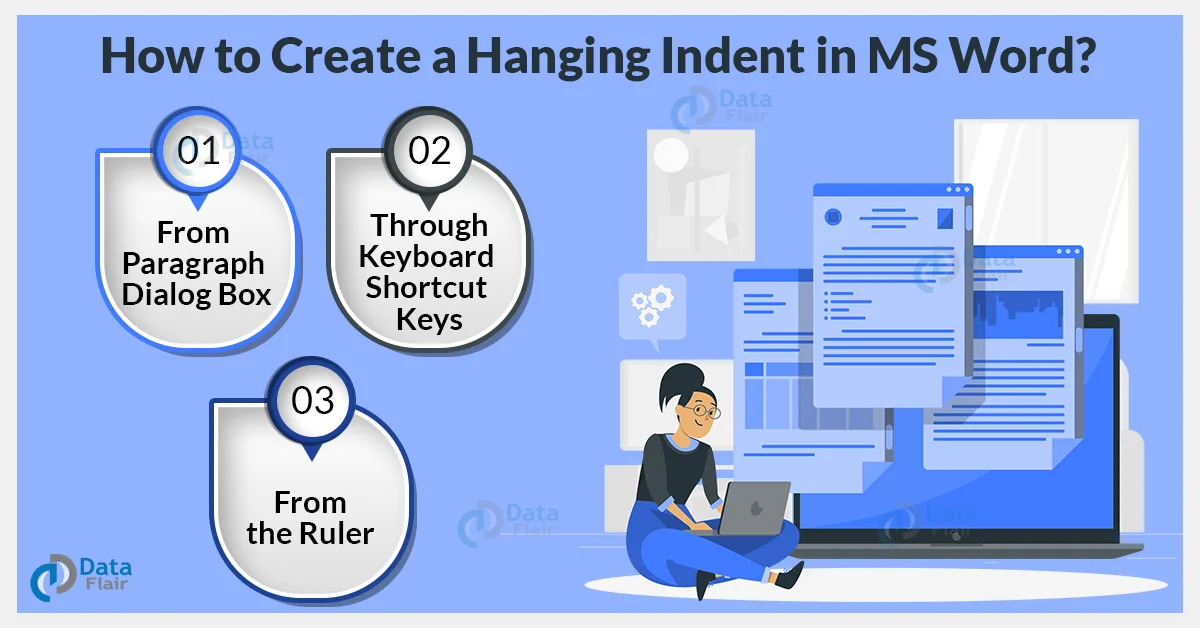
Hanging indentation is very useful for cited pages and reference pages. On applying a hanging indent to a piece of text or to a paragraph, all lines, except the first line, are indented. We...
The Spell Check feature of Word allows you to check for spelling errors in addition to correcting minor grammatical errors in the document. Word uses a red wavy underline to show spelling errors. Grammatical...
Checkboxes are very important where you need to fill up data and check them for correctness. They can be very helpful in filling up forms or answering multiple-choice questions. Checkboxes would work differently for...
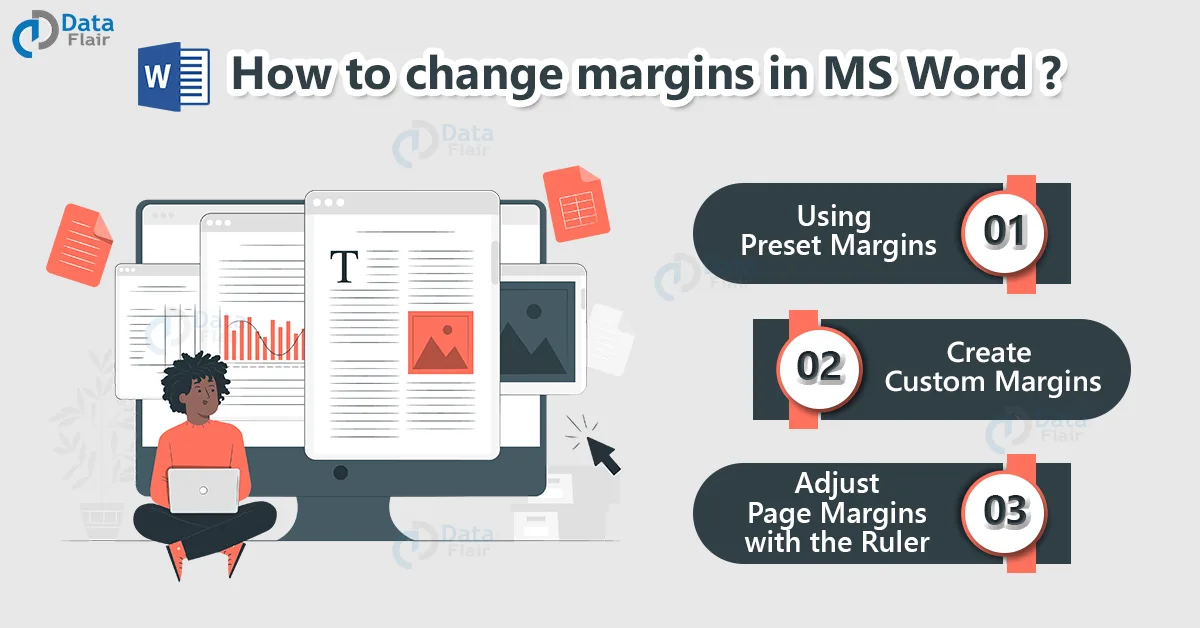
Margins in a Word document refers to the space between the content and the edge of a page. Adding proper margins to your document increases its presentability and makes reading easier for the viewers....
Comments are very useful in Word since it makes the data easier to understand. Further, comments are a great way of suggesting changes and corrections while reviewing the document. In most cases, comments are...
Protecting your Word document with a password ensures the safety and security of your document. Passwords restrict document access and ensure that no one other than you can view and edit it. If you...
The Find tool in Word allows users to search for specific words or pieces of text that may be present in a Word document. Further, you can also use the advanced search feature to...
Word allows users to create and work with lists to format, arrange, and emphasize text. You can choose to form Bullet lists or Numbered lists, and even choose to represent bullets as symbols or...
You can choose to change the size of a single page, or change the page size of all pages in a document in Word. Being able to change the page size of your document...