
OpenCV Project – Face Detection Based Attendance System
Machine Learning courses with 100+ Real-time projects Start Now!!
A Python OpenCV Face Detection Based Attendance System is a cutting-edge technology that automates the process of attendance tracking in various settings, such as educational institutions and workplaces.
This innovative system utilizes facial recognition algorithms to identify individuals by capturing and analyzing their unique facial features. By matching the detected faces with a predefined database, it accurately records attendance. This approach is not only efficient and contactless but also minimizes errors and prevents identity fraud.
Face Detection
Face Detection is a computer vision technique that identifies and locates human faces within images or videos, providing the foundation for various applications, including face recognition and tracking.
Face Recognition
Face recognition is a biometric technology that identifies and verifies individuals by analyzing unique facial features, and matching them against a database of known faces, and is commonly used for security and access control.
How can a system adapt to changes in an individual’s appearance?
To enhance the adaptability of the face recognition system, periodically update the face encodings, establish a confidence threshold for recognition, and update the database or give the prompt to re-enrollment to accommodate appearance changes over time.
Prerequisites For OpenCV Face Detection Based Attendance System Project
A strong grasp of Python and OpenCV is crucial, along with Python 3.7+ and suitable editors like VS code, Pycharm, Thonny, etc.
Download OpenCV Face Detection Based Attendance System Project.
Please download the source code of the OpenCV Face Detection Based Attendance System Project: OpenCV Face Detection Based Attendance System Project Code.
Installation
Open Command Prompt as administrator.
1. Install the opencv library.
pip install opencv-python
Let’s Implement It
1. Import the packages.
import cv2
from face_encoding import Face
Import time
2. It initializes a custom face encoder, loads encoding data from the dataset, maintains a set of unique names and opens an attendance log file in append mode.
custom_encoder = Face()
custom_encoder.load_encoding_images("Dataset/")
unique_names = set()
attendance_log = open("attendance_log.txt", "a")
3. It sets a re-enrollment interval and initializes a timestamp for tracking when the last re-enrollment occurred in the face recognition system.
re_enroll_interval = 30
last_re_enroll_time = time.time()
4. Open the camera and store the camera input in the cap variable.
cap = cv2.VideoCapture(0)
5. Start the while loop.
while True:
6. It captures video frames, detects known faces using a custom encoder records unique names in the “attendance_log.txt” file and periodically updates encodings to adapt to appearance changes. It enforces re-enrollment and annotates recognized faces on the frame.
ret, frame = cap.read()
    face_areas, recognized_names = custom_encoder.detect_known_faces(frame)
    for face_coords, found_name in zip(face_areas, recognized_names):
        t, r, b, l = face_coords[0], face_coords[1], face_coords[2], face_coords[3]
        if found_name not in unique_names:
            unique_names.add(found_name)
            attendance_log.write(found_name + "\n")
         if time.time() - last_re_enroll_time > re_enroll_interval:
            custom_encoder.load_encoding_images("Dataset/")
            last_re_enroll_time = time.time()
        cv2.putText(frame, found_name, (l, t - 10), cv2.FONT_HERSHEY_DUPLEX, 1, (0, 0, 200), 2)
        cv2.rectangle(frame, (l, t), (r, b), (0, 0, 200), 4)
7. It displays the current frame in the ‘DataFlair’ window and if the ‘q’ key is pressed, it exits the loop.
cv2.imshow("DataFlair", frame)
    if cv2.waitKey(3) & 0xFF == ord('q'):
        break
Note:- Write steps 5 & 6 under the while loop of step 4.
8. It releases the video capture and closes all the OpenCV windows. It also closes the attendance_log file.
cap.release()
cv2.destroyAllWindows()
attendance_log.close()
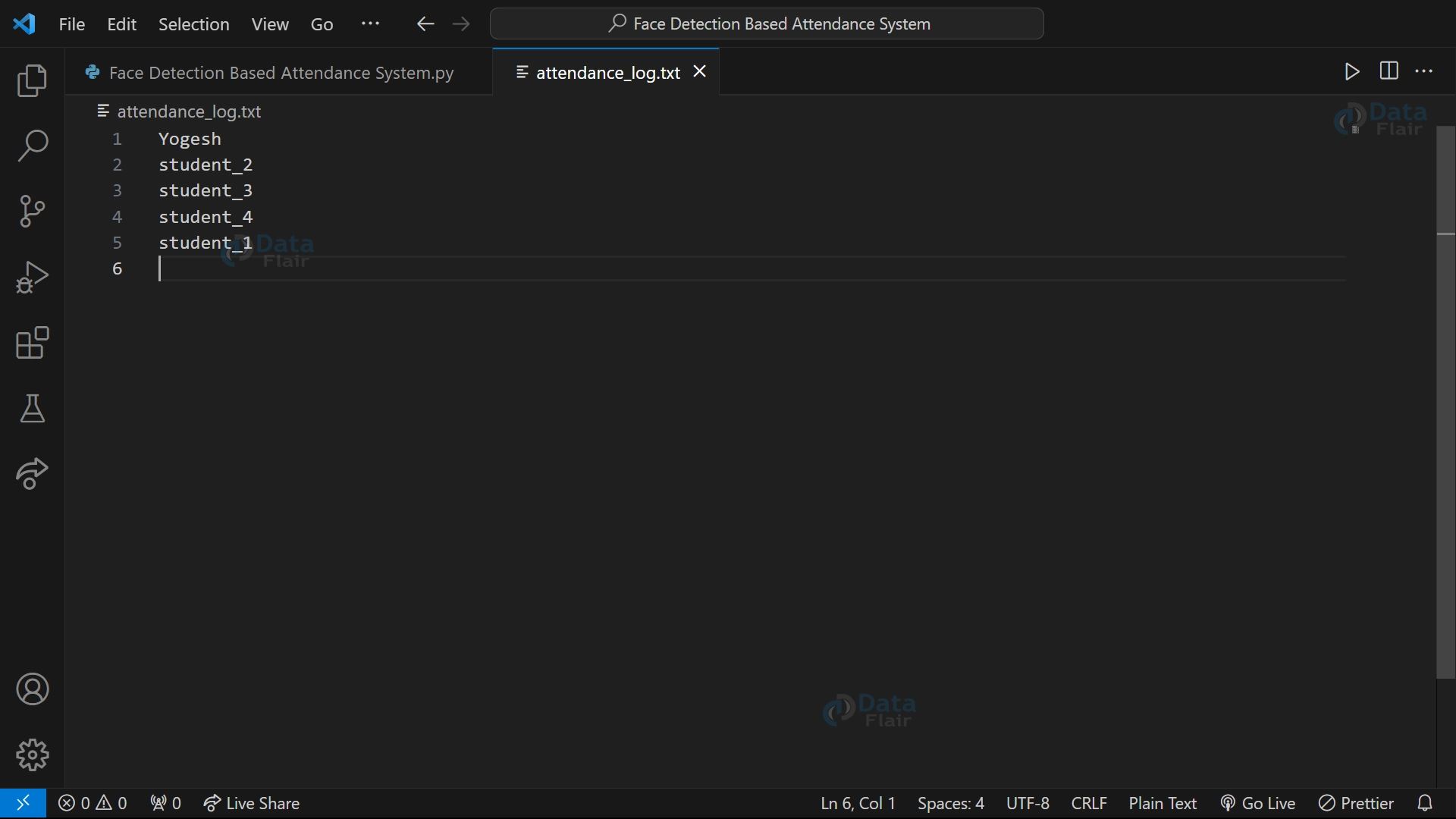
Python OpenCV Face Detection-Based Attendance System Output
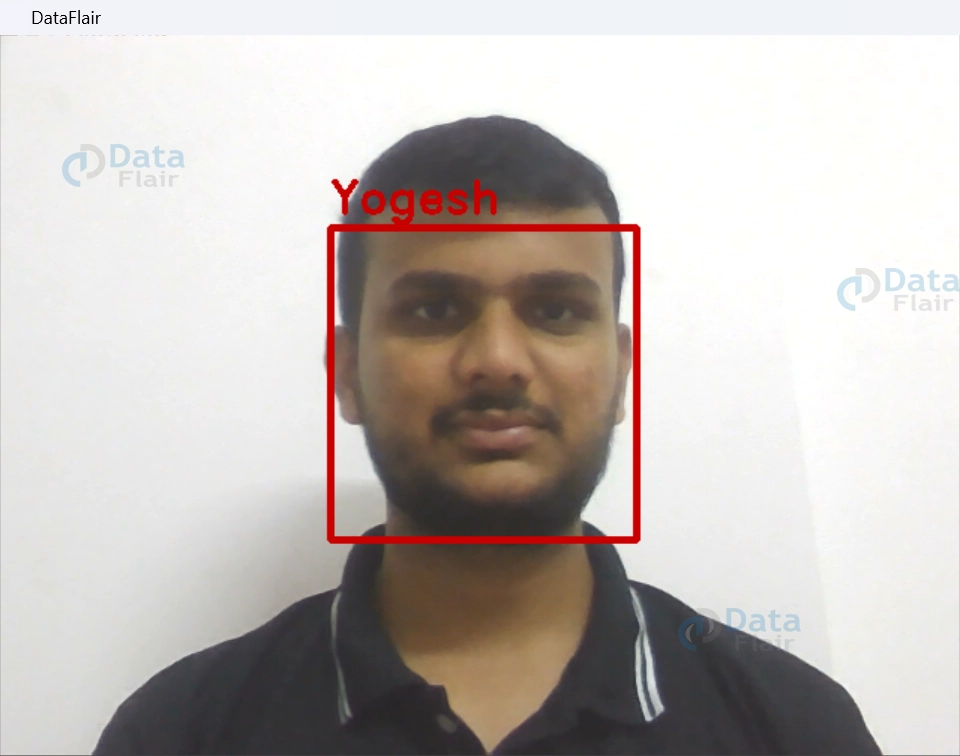
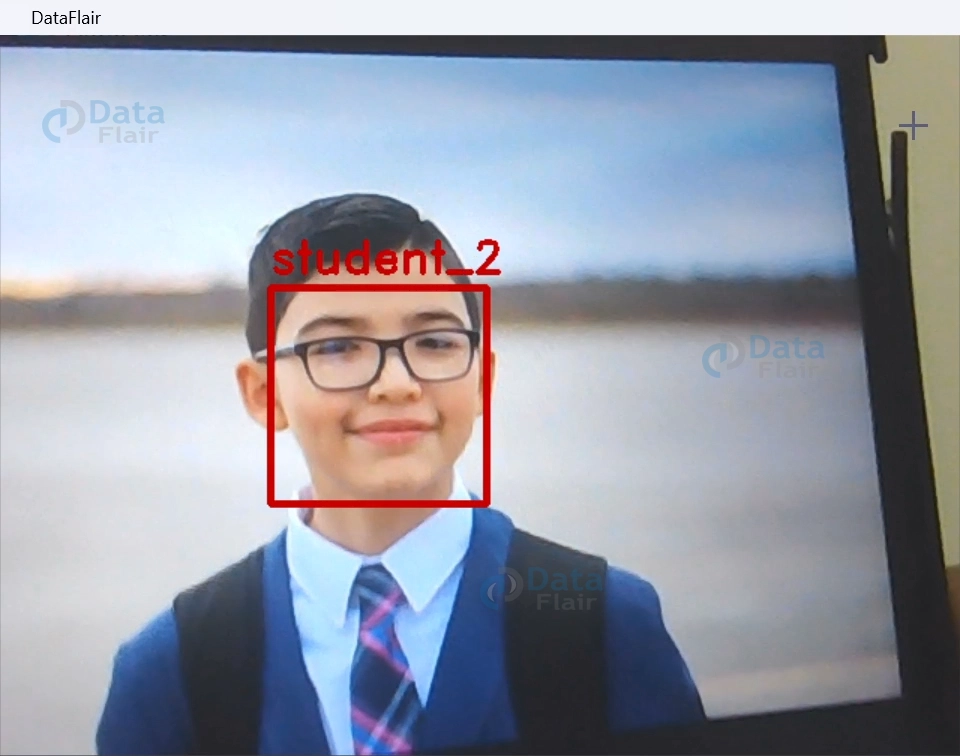

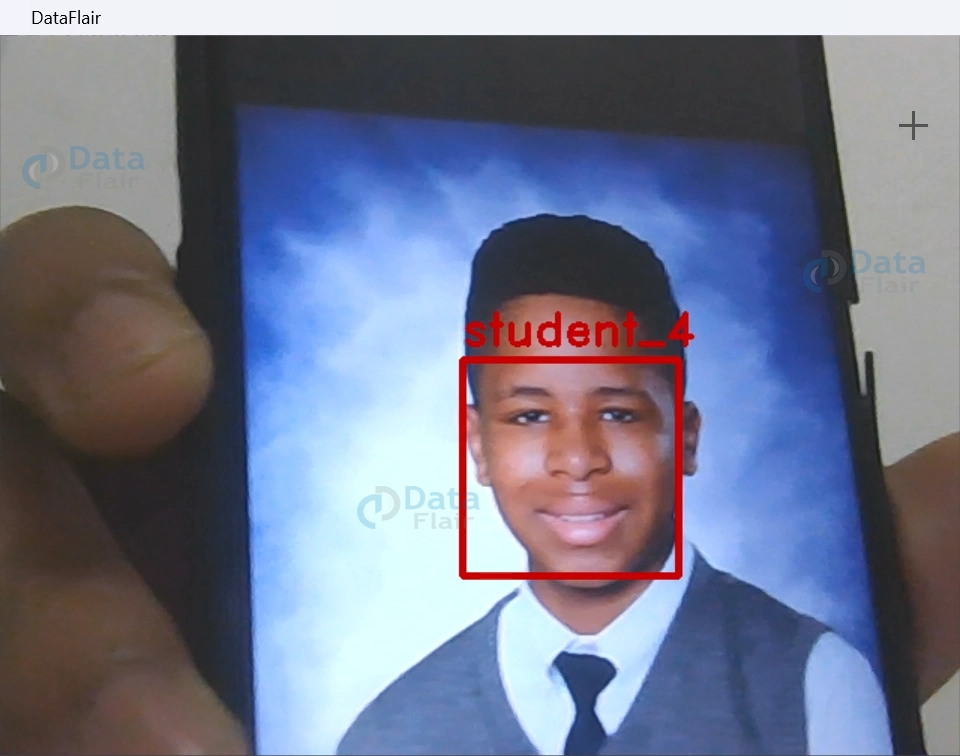
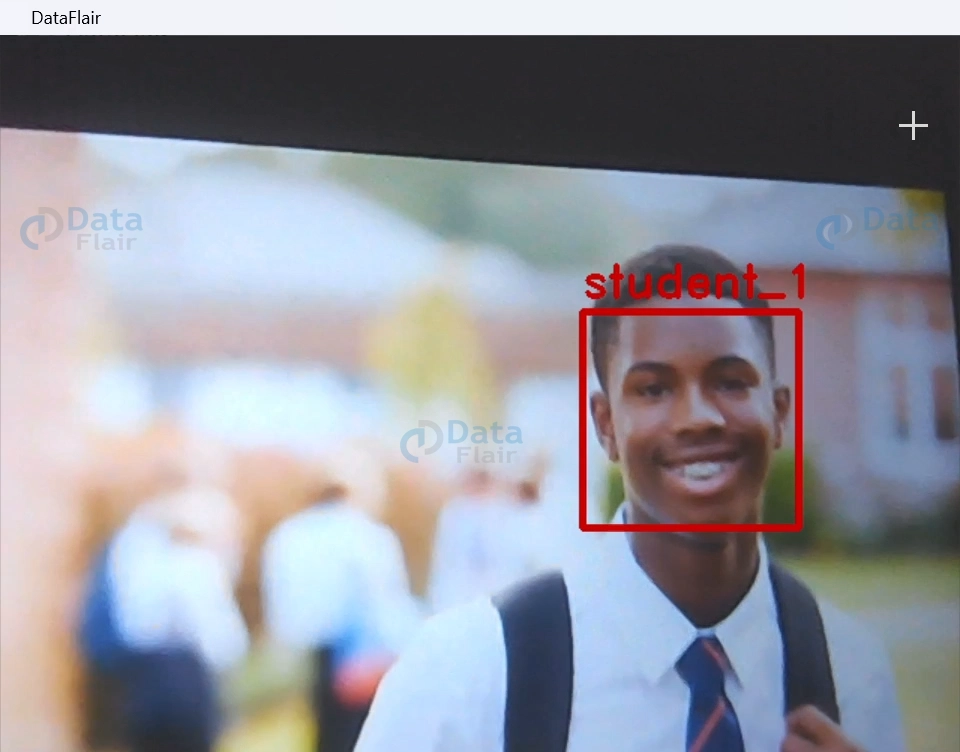
Conclusion
In conclusion, the Python OpenCV Face Detection Based Attendance system presents a contemporary solution to traditional attendance tracking methods. By leveraging cutting-edge facial recognition technology, it streamlines attendance recording, enhances efficiency and offers a contactless and secure alternative. This system not only simplifies administrative processes but also promotes accuracy and reliability.
Your opinion matters
Please write your valuable feedback about DataFlair on Google





