
CSS Display Properties which every CSS programmer should know
Full Stack Web Development Courses with Real-time projects Start Now!!
CSS display property is used to specify how an HTML element should be displayed. It controls the layout of elements on a web page, including their visibility and positioning. The display property can take on several values, including “block”, “inline”, “none”, and “inline-block”, each of which affects the layout of elements in different ways. Understanding how the display property works is essential for creating effective and visually pleasing web designs.
Properties of CSS Display
1. display: block – This property sets an element to display as a block-level element, taking up the full width of its parent container and creating a new line after it.
<div style="display: block;">This is a DataFlair block-level element.</div>
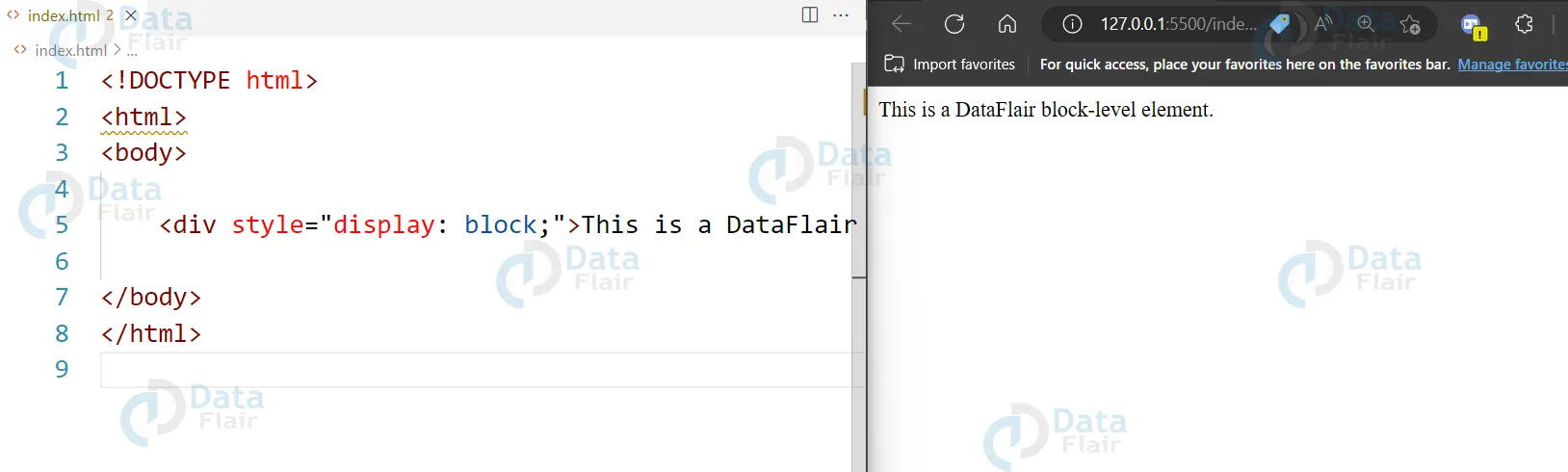
2. display: inline – This property sets an element to display as an inline element, which only takes up as much width as necessary and does not create a new line after it.
<span style="display: inline;">This is a DataFlair inline element.</span>
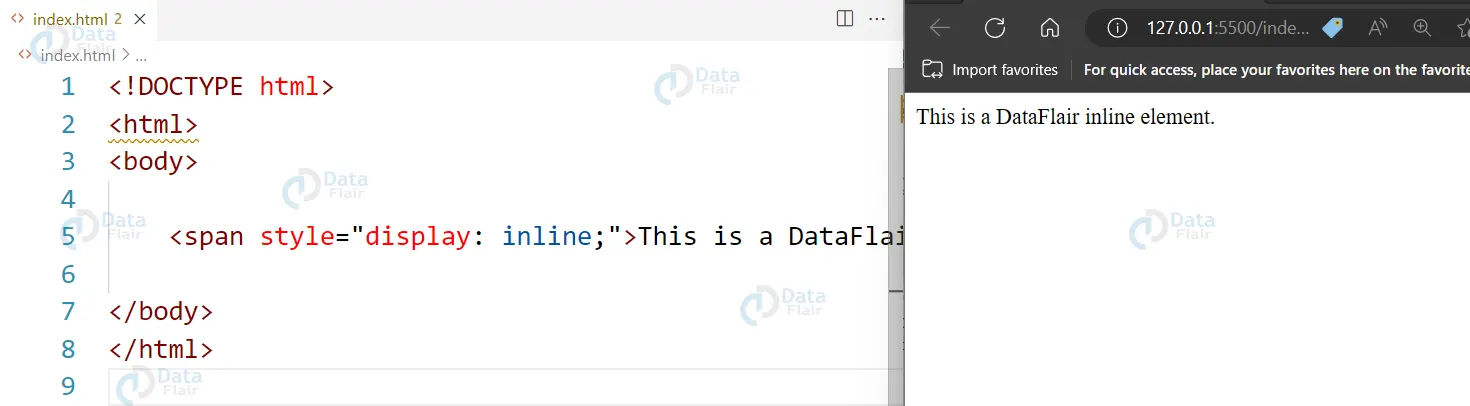
3. display: none – This property sets an element to not be displayed on the page at all. It can be used to hide elements from view.
<div style="display: none;">The DataFlair is hidden.</div>
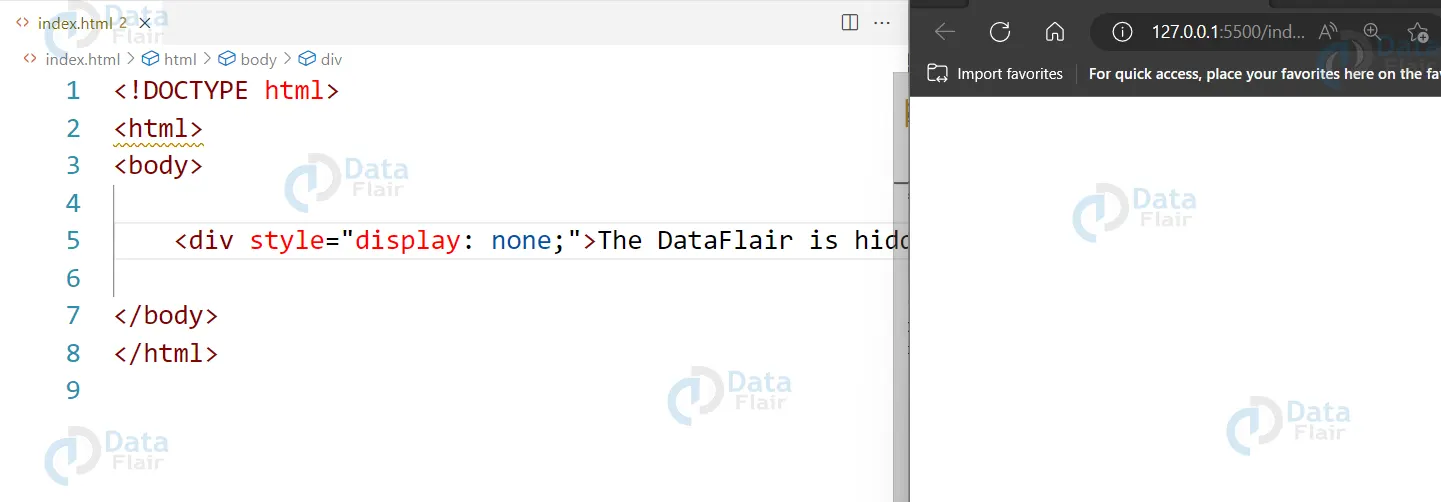
4. display: inline-block – This property sets an element to display as an inline-block element, which takes up the width of its content but creates a new line after it like a block-level element.
<div style="display: inline-block;">This is an inline-block element from DataFlair.</div>
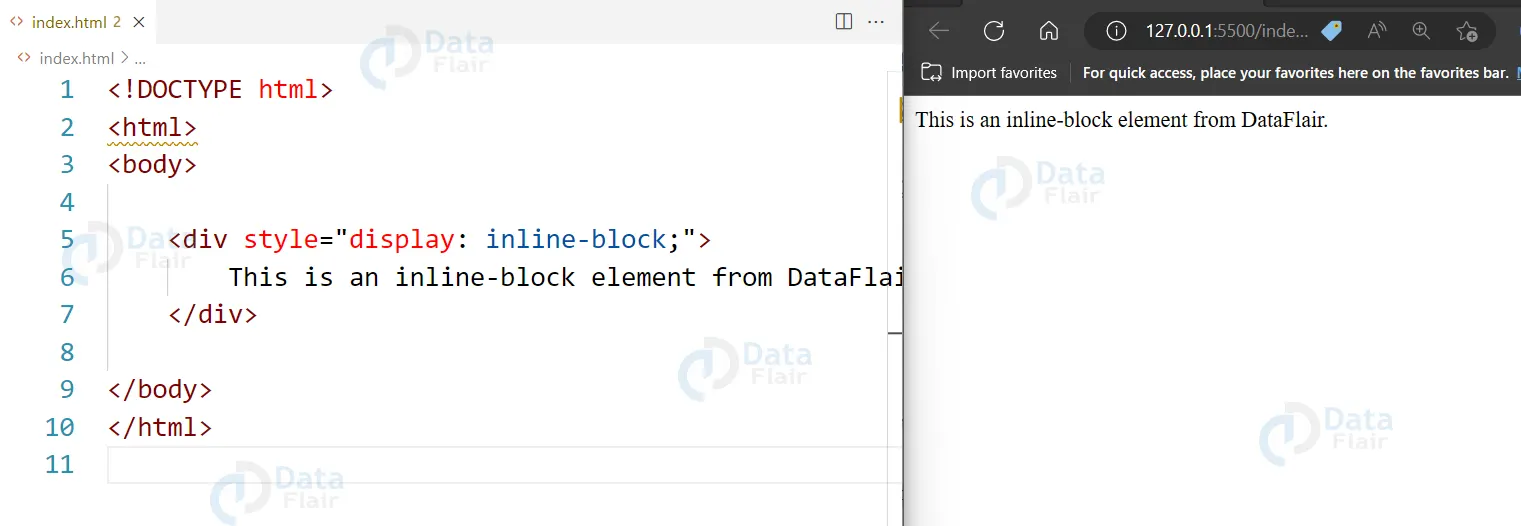
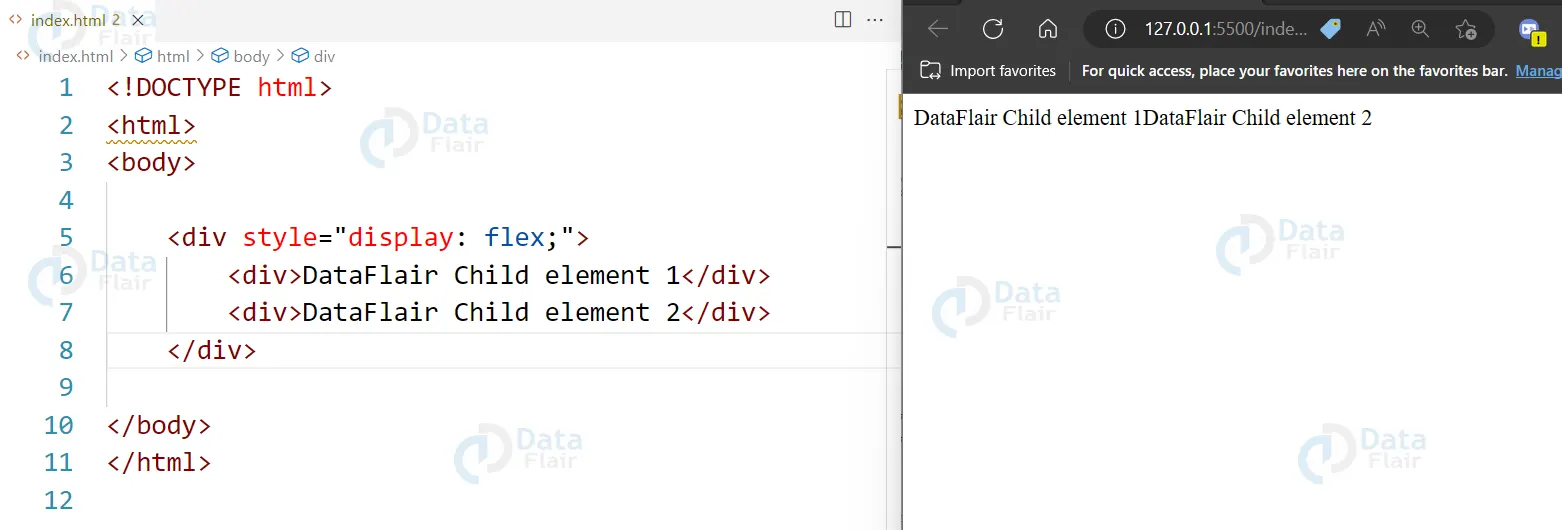
5. display: flex – This property sets an element to display as a flex container, which allows for flexible layout of its child elements.
<div style="display: flex;">
  <div>DataFlair Child element 1</div>
  <div>DataFlair Child element 2</div>
</div>
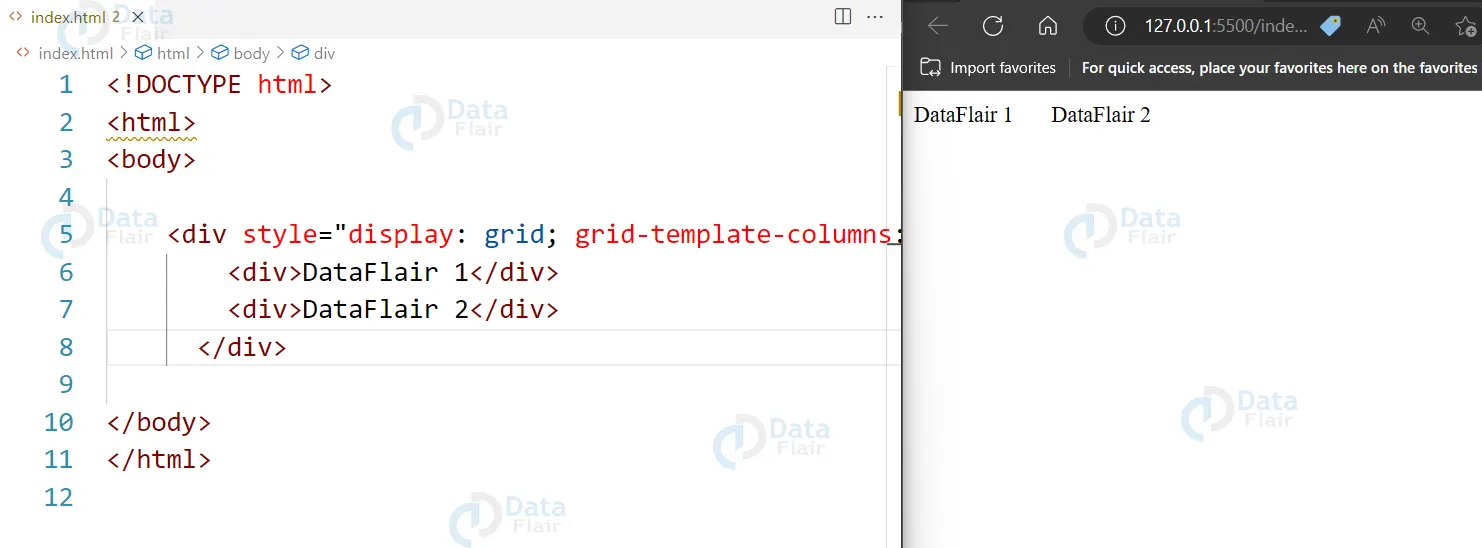
6. display: grid – This property sets an element to display as a grid container, which allows for two-dimensional layout of its child elements.
<div style="display: grid; grid-template-columns: 100px 100px;">
  <div>DataFlair 1</div>
  <div>DataFlair 2</div>
</div>
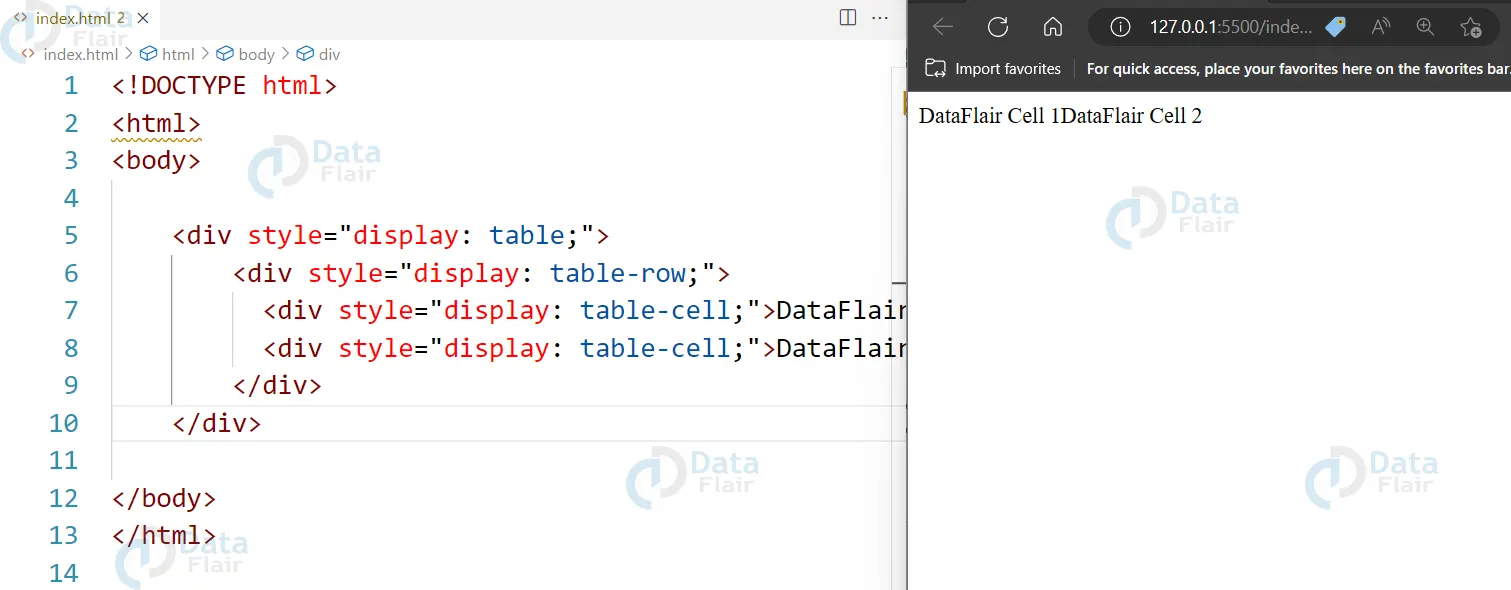
7. display: table – This property sets an element to display as a table, which is useful for displaying tabular data.
<div style="display: table;">
  <div style="display: table-row;">
    <div style="display: table-cell;">DataFlair Cell 1</div>
    <div style="display: table-cell;">DataFlair Cell 2</div>
  </div>
</div>
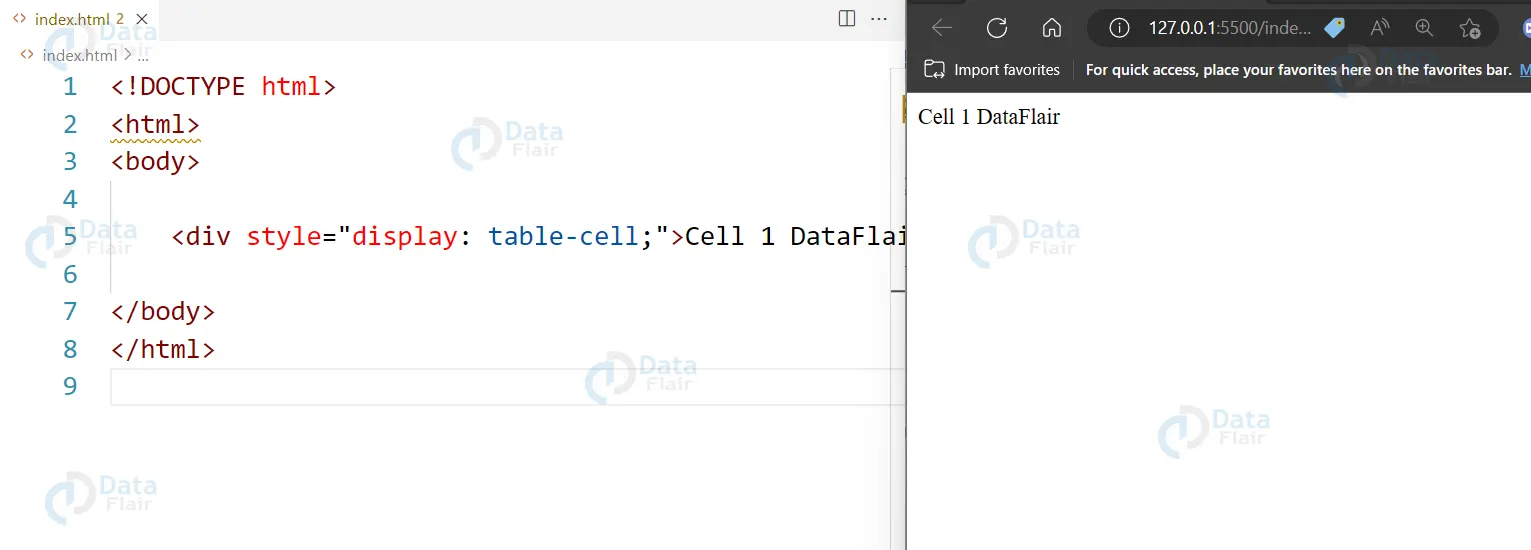
8. display: table-cell – This property sets an element to display as a table cell, which is useful for displaying tabular data.
<div style="display: table-cell;">Cell 1 DataFlair</div>
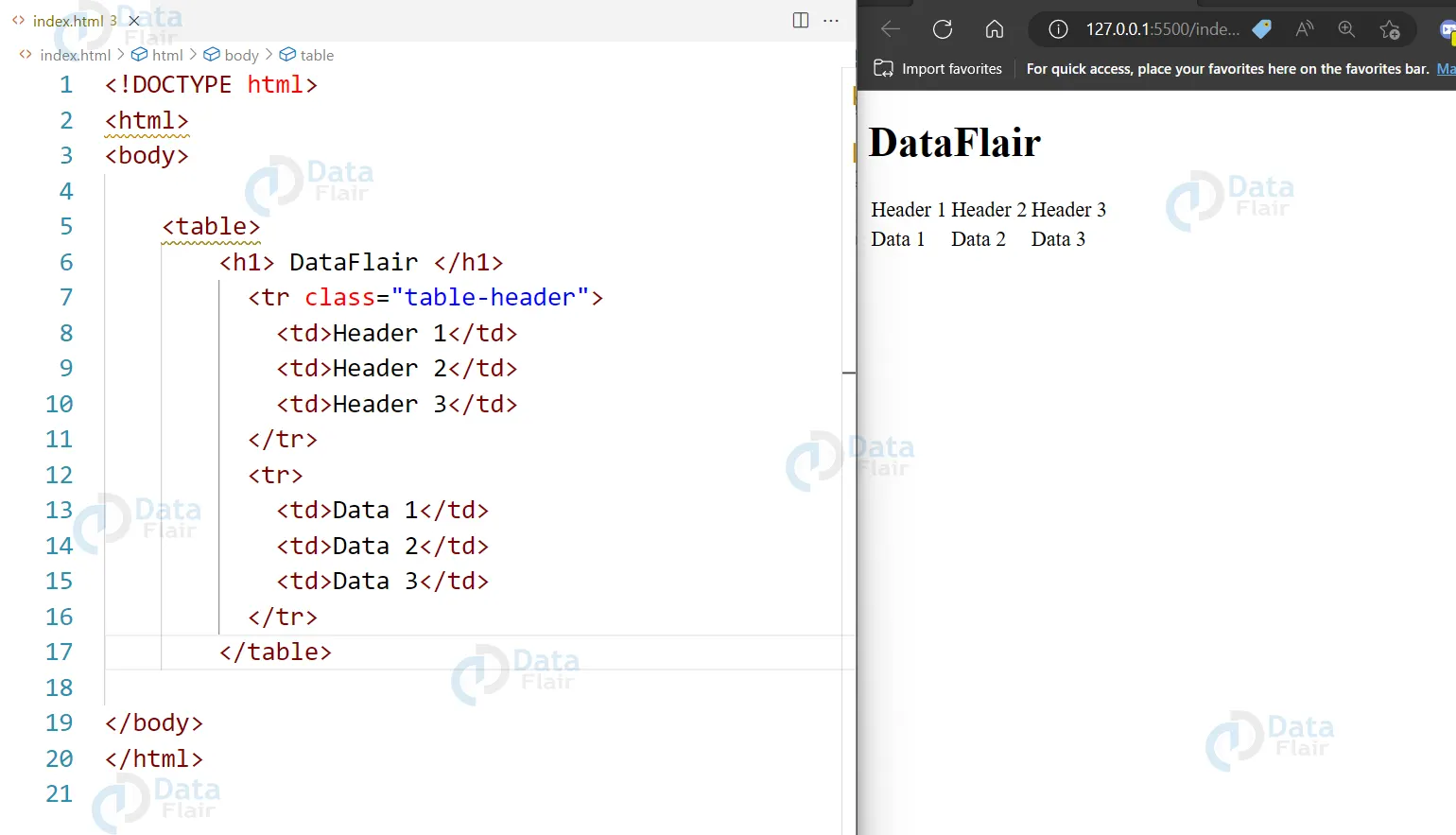
9. display: table-row – This property sets an element to display as a table row, which is useful for displaying tabular data.
<table>
<h1> DataFlair </h1>
  <tr class="table-header">
    <td>Header 1</td>
    <td>Header 2</td>
    <td>Header 3</td>
  </tr>
  <tr>
    <td>Data 1</td>
    <td>Data 2</td>
    <td>Data 3</td>
  </tr>
</table>
Knowledge of the following properties enables developers to come up with proper arrangement of websites to meet requirements of different display devices and other devices with different sizes. The properties of display help to drive the kind of improvement that will not only create improved functionality in a website, but also good looks.
Conclusion
We can conclude by saying the display property in CSS is a powerful tool for controlling the layout and visibility of elements on a web page. It can be used to change the way elements are displayed, whether as block-level, inline, flex, grid or table elements, and it can be used to hide or show elements depending on the layout of the page.
The display property is a fundamental aspect of CSS layout and it is used in combination with other CSS properties to create complex and responsive web designs. Understanding how the display property works and how it can be used in different scenarios is an essential part of becoming a proficient front-end developer.
Did you know we work 24x7 to provide you best tutorials
Please encourage us - write a review on Google





