
CSS Background Properties
Full Stack Web Development Courses with Real-time projects Start Now!!
CSS (Cascading Style Sheets) is a language used to describe the presentation of a document written in a markup language. One of the main features of CSS is the ability to control the background of elements on a web page. CSS background properties allow developers to set the background color, background image, and other styling options for elements on a web page. In this tutorial, we will learn more about Background Properties in CSS.
Background Properties in CSS
There are several background properties in CSS, including
1. background color:
It sets the background color of an element. Accepts any valid CSS color value (e.g. red, #ff0000, rgb(255, 0, 0)).
Example
<html>
<head>
 <style>
 div {
background-color: gray;
  }
</style>
</head>
<body>
    <div>Welcome to DataFlair</div>
</body>
</html>
Output

2. background-image:
It sets an image as the background of an element. Accepts any valid CSS image value (e.g. url(image.jpg), linear-gradient(…)).
Example
/* CSS */
div {
    background-image: url(image.jpg);
    background-repeat: no-repeat;
    background-position: center;
}
/* HTML */
<div>This div has an image as its background</div>
Output
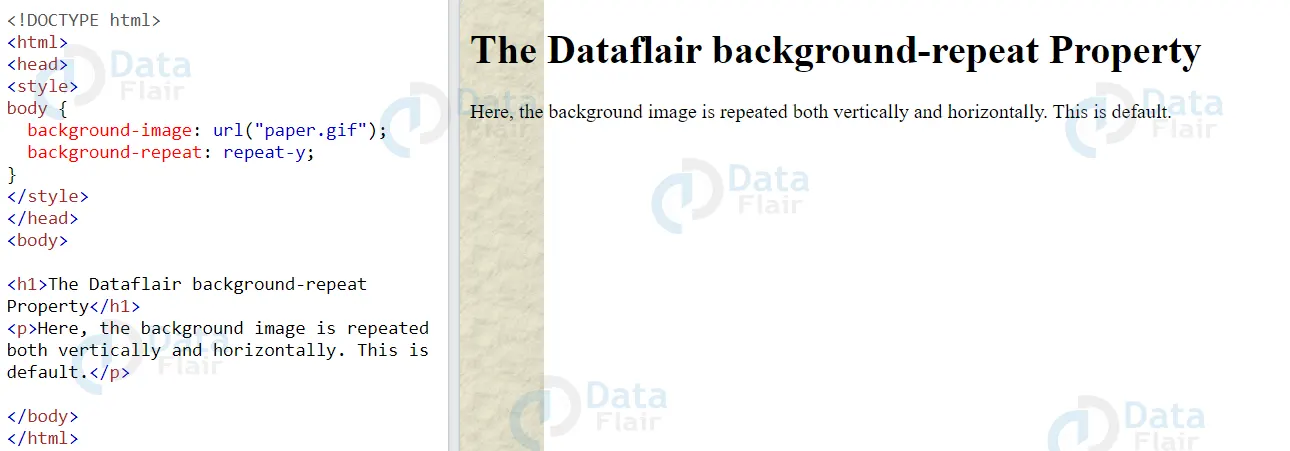

3. background-repeat:
It sets how the background image should be repeated. Can be set to repeat-x, repeat-y, no-repeat, or repeat (the default value).
Example
/* CSS */
div {
    background-image: url(image.jpg);
    background-repeat: repeat-x;
    width: 300px;
    height: 100px;
}
/* HTML */
<div>This DataFlair div has a repeating background image in the x-axis</div>
Output

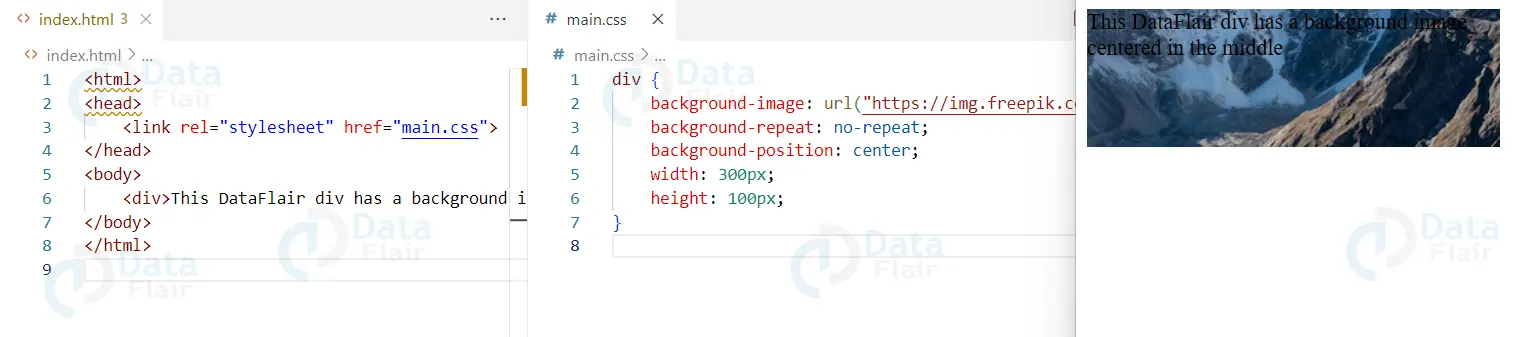
4. background-position:
It sets the position of the background image. Can be set to any valid CSS length value (e.g. center, top left, 10px 20px).
Example
/* CSS */
div {
    background-image: url(image.jpg);
    background-repeat: no-repeat;
    background-position: center;
    width: 300px;
    height: 100px;
}
/* HTML */
<div>This DataFlair div has a background image centered in the middle</div>
Output

5. background-attachment:
It sets whether the background image scrolls with the element or is fix in place. Can be set to scroll (the default) or fix.
Example
/* CSS */
body {
    background-image: url(image.jpg);
    background-repeat: no-repeat;
    background-position: center;
    background-attachment: fixed;
    width: 100%;
    height: 100vh;
}
/* HTML */
<body>
<div>This DataFlair div has a background image that is fixed in place</div>
</body>
Output

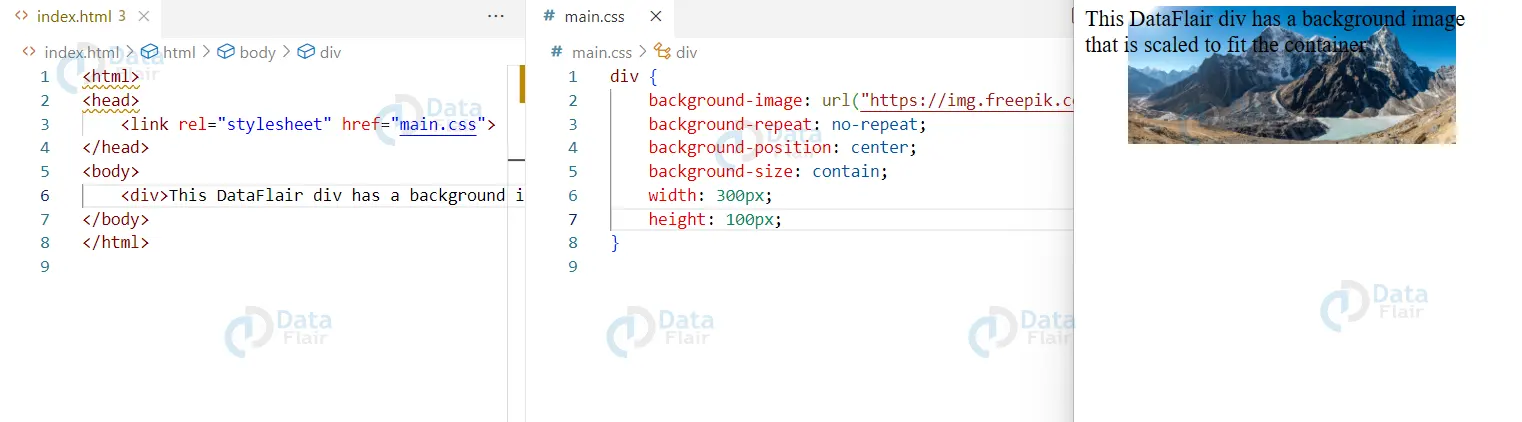
6. background-size:
It sets the size of the background image. Can be set to any valid CSS length value or one of the keywords covered or contain.
Example
/* CSS */
div {
    background-image: url(image.jpg);
    background-repeat: no-repeat;
    background-position: center;
    background-size: contain;
    width: 300px;
    height: 100px;
}
/* HTML */
<div>This DataFlair div has a background image that is scaled to fit the container</div>
7. Using a shorthand property
/* CSS */
div {
    background: blue url(image.jpg) no-repeat center;
}
/* HTML */
<div>This DataFlair div has a blue background with an image in the center that doesn't repeat</div>
Output

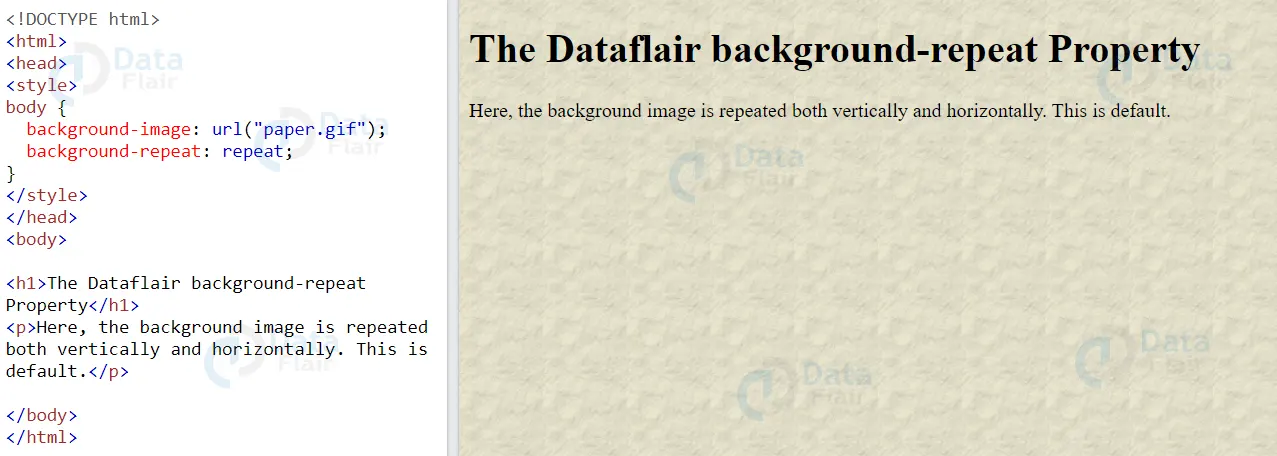
8. Background-repeat property:
CSS background-repeat property is useful to specify how a background image should repeat.
The property can take on the following values:
- repeat: The image repeats both horizontally and vertically. This is the default value.
- repeat-x: The image repeats only horizontally.
- repeat-y: The image repeats only vertically.
- no-repeat: The image does not repeat and only show once.
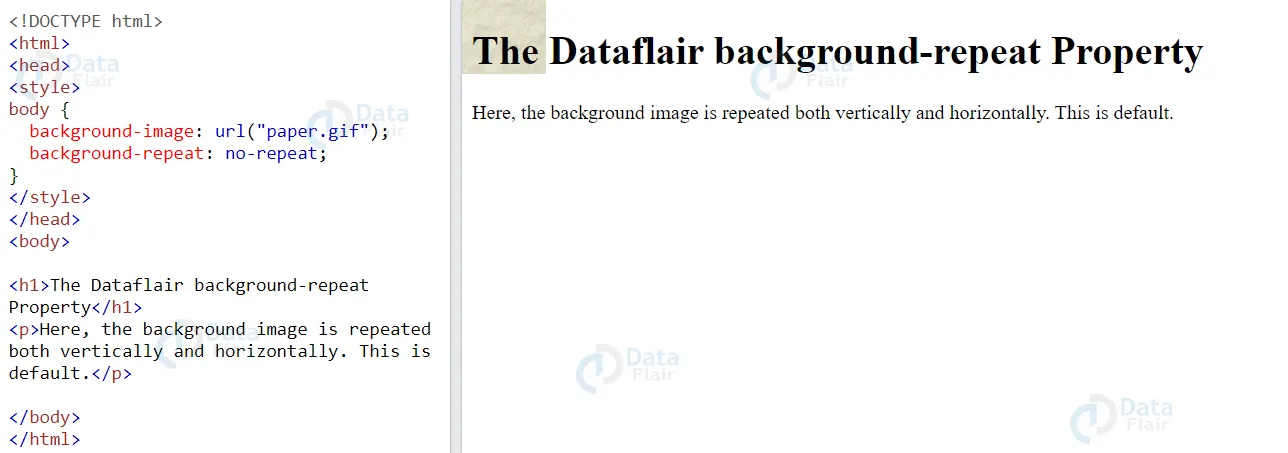
An example of using the background-repeat property to repeat an image only horizontally is:
.my-div {
  background-image: url('path/to/image.jpg');
  background-repeat: repeat-x;
}
An example of using the background-repeat property to repeat an image only vertically is:
.my-div {
  background-image: url('path/to/image.jpg');
  background-repeat: repeat-y;
}
Cascaded style sheet background properties provide solutions that if known and properly understood would greatly improve the outlook of a web page. For instance, background-size property enables one to design for different screens since it can dynamically resize images depending on the screen size. Likewise, appropriate utilization of the background-attachment property results in the development of visually appealing effects such as parallax scrolling.
Conclusion
We can conclude by saying that, CSS background properties provide a lot of flexibility in terms of setting background styles for elements on a web page. Overall, by understanding and effectively using CSS background properties, web developers can create visually appealing and polished websites.
Your 15 seconds will encourage us to work even harder
Please share your happy experience on Google





