


Placement-ready Courses: Enroll Now, Thank us Later!
In this article, we will explore types in TypeScript and how they can be used to write more robust and error-free code.
Types in TypeScript
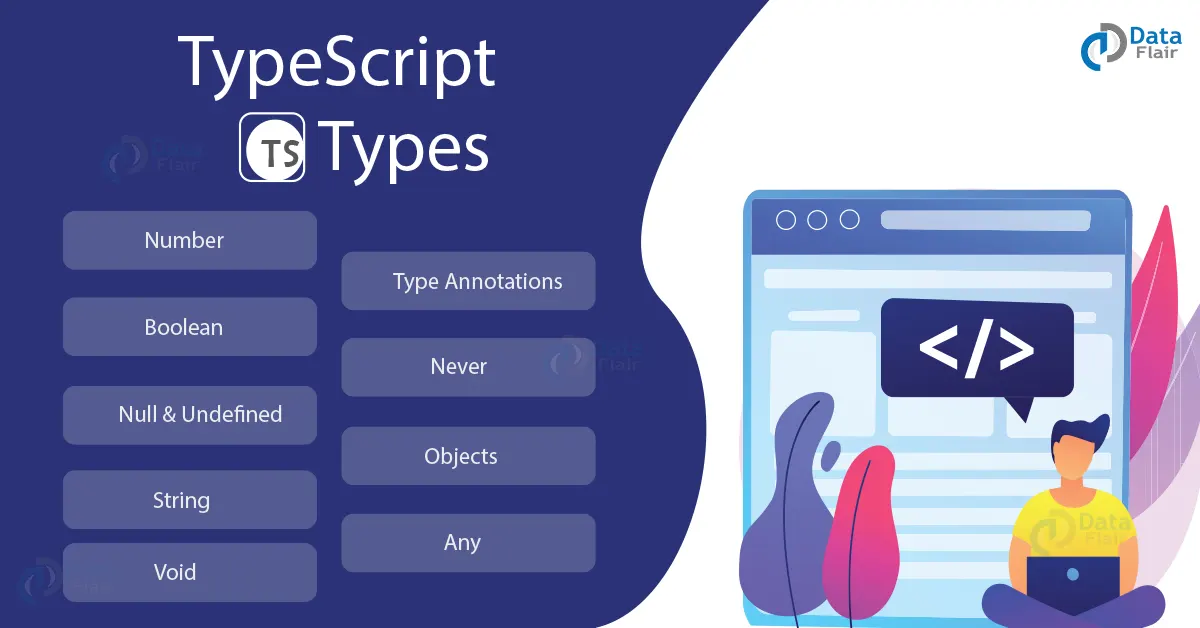
TypeScript introduces the concept of types to JavaScript, which allows developers to define the data types of variables, function parameters, and return values. TypeScript supports several built-in data types, including:
1. Number: represents numeric values, both integers and floating-point numbers.
2. String: represents textual data.
3. Boolean: represents true/false values.
4. Null and undefined: means a lack of value.
5. Any: represents any value that disables type checking.
6. Void: represents the absence of a value.
7. Never: represents a value that can never occur.
8. Object: represents any non-primitive type.
Type Annotations
In TypeScript, we can declare the type of a variable, function parameter, or return value using type annotations. Type annotations are added to the end of the variable or parameter name using a colon followed by the type name. For example:
let DataFlair_age: number = 28;
function greet(name: string): string {
 return 'Hello, ' + name;
}
In the above example, we declare a variable named DataFlair_age with the type number and initialize it with the value 28. We also define a function named greet that takes a parameter named name with the type string and returns a string.
Type Inference
TypeScript also provides type inference, which allows the compiler to automatically infer the type of a variable, function parameter, or return value based on its usage. For example:
let DataFlair_age = 28;
function greet(name: string) {
 return 'Hello, ' + name;
}
In the above example, we declare a variable named DataFlair_age without specifying its type. TypeScript automatically infers its type as a number based on its initial value. Similarly, the type of the name parameter in the greet function is inferred as a string based on its usage.
In TypeScript, variables can be assigned a type either explicitly or implicitly.
1. Explicit Type Assignment:
Explicit type assignment means that the data type of a variable is explicitly declared when the variable is declared. This is done using a colon followed by the data type like this:
let DataFlair_num1: number = 10;
let DataFlair_str1: string = 'Hello, world!';
let DataFlair_isDone: boolean = false;
Explicit type assignments can help catch errors early in development by ensuring that variables are assigned the correct value type. It can also make code more readable by clarifying what type of data a variable should contain.
2. Implicit Type Assignment:
Implicit type assignment means that the data type of a variable is inferred from the value assigned to it. This is done using the let or const keywords without explicitly declaring the type, like this:
let DataFlair_num2 = 10;
let DataFlair_str2 = 'Hello, world!';
let DataFlair_isDone = false;
Implicit-type assignments can make code more concise and readable by reducing the amount of code that needs to be written. However, it can also make code more error-prone if variables are accidentally assigned values of the wrong type.
TypeScript allows for a combination of explicit and implicit type assignments. For example, you can explicitly declare the type of a function’s parameters and return value, but leave the type of a local variable to be inferred. This flexibility allows developers to balance readability and conciseness in their code.
Type Compatibility
TypeScript is designed to be compatible with JavaScript, which means that any valid JavaScript code is also valid TypeScript code. This allows developers to gradually introduce TypeScript into existing JavaScript projects without having to rewrite everything from scratch.
TypeScript also supports structural typing, meaning two types are considered compatible if they have the same structure. For example:
interface DataFlair_Person {
 name: string;
 age: number;
}


let john = { name: 'John', age: 28 };
let mary = { name: 'Mary', age: 30, city: 'New York' };


john = mary;
In the above example, we define an interface named DataFlair_Person with two properties: name and age. We also declare two variables named john and mary. Even though mary has an extra property named city, it is still compatible with the DataFlair_Person interface because it has the same structure. However, when we try to assign mary to john, TypeScript throws an error because mary has an extra property that is not present in john.
Union and Intersection Types
TypeScript supports union types, allowing a variable to have multiple types. Union types are defined using the vertical bar (|) between the types. For example:
let DataFlair_nameOrAge: string | number = 'John';
DataFlair_nameOrAge = 28;
In the above example, we declare a variable named DataFlair_nameOrAge with the type string | number, which means it can hold either a string or a number value. We initialize it with a string value and later assign a number value to it.
TypeScript also supports intersection types, allowing a variable to combine multiple types. Intersection types are defined using the ampersand (&) between the types. For example:
interface DataFlair_Person {
 name: string;
}


interface DataFlair_Employee {
 company: string;
}


type DataFlair_PersonAndEmployee = DataFlair_Person & DataFlair_Employee;


let john: DataFlair_PersonAndEmployee = { name: 'John', company: 'Microsoft' };
In the above example, we define two interfaces named DataFlair_Person and DataFlair_Employee. We also define a new type named DataFlair_PersonAndEmployee, an intersection of DataFlair_Person and DataFlair_Employee. We then declare a variable named john with the type DataFlair_PersonAndEmployee and initialize it with an object with properties from both interfaces.
Classes and Interfaces
TypeScript supports classes and interfaces, which are used to define object-oriented programming (OOP) constructs. Classes are used to create objects with methods and properties, while interfaces are used to define the shape of an object without implementing any behavior.
interface DataFlair_Animal {
 name: string;
 eat(food: string): void;
}


class DataFlair_Cat implements DataFlair_Animal {
 name: string;


 constructor(name: string) {
   this.name = name;
 }


 eat(food: string): void {
   console.log(`${this.name} is eating ${food}`);
 }
}


let fluffy = new DataFlair_Cat('Fluffy');
fluffy.eat('fish');
In the above example, we define an interface named DataFlair_Animal with a name property and an eat method. Then we define a class named DataFlair_Cat that implements the DataFlair_Animal interface. We declare a variable named fluffy with the type DataFlair_Cat and initialize it with a new instance of the DataFlair_Cat class. We then call the eat method on the fluffy object.
Generics
TypeScript also supports generics, which allow a type to be defined at runtime. Generics create reusable code that can work with different data types. For example:
function DataFlair_reverse<T>(items: T[]): T[] {
 return items.reverse();
}


let numbers = [1, 2, 3, 4, 5];
let reversedNumbers = DataFlair_reverse(numbers);


let names = ['John', 'Mary', 'Jane'];
let reversedNames = DataFlair_reverse(names);
In the above example, we define a function named DataFlair_reverse that takes an array of type T and returns a variety of the same type T. We then declare two variables named numbers and names with arrays of numbers and strings, respectively. We call the DataFlair_reverse function on both arrays and store the reversed arrays in new variables.
Type Annotations in typescript
1. Parameter Type Annotation
Parameter type annotation specifies the data type of a function parameter. This can help catch errors early in the development process by ensuring that functions are passed the correct parameter type.
For example:
function DataFlair_greet(name: string) {
 console.log('Hello, ' + name + '!');
}
2. Return Type Annotation
Return type annotation specifies the data type of a function return value. This can help catch errors early in development by ensuring that functions return the correct value type.
For example:
function DataFlair_add(num1: number, num2: number): number {
 return num1 + num2;
}
3. Object Type Annotation
Object type annotation specifies the structure of an object. This can help catch errors early in development by ensuring that objects have the correct structure.
For example:
let DataFlair_person: { name: string; age: number } = {
 name: 'Alice',
 age: 30,
};
4. Any Type Annotation
Any type annotation specifies that a variable can have any type of value. This can be useful when the value type is not known in advance, but it can also make code more error-prone.
For example:
let DataFlair_anyValue: any = 10;
DataFlair_anyValue = 'Hello, world!';
5. Enum Type Annotation
The enum-type annotation specifies a set of named constants. This can help make code more readable by giving meaningful names to constants.
For example:
enum DataFlair_Color {
 Red,
 Green,
 Blue,
}
let color: DataFlair_Color = DataFlair_Color.Green;
Overall, these type annotations in TypeScript help make code more readable, maintainable, and less error-prone. By using type annotations, developers can catch errors early in the development process and ensure that the code is more robust and reliable.
Conclusion
In this article, we have explored types in TypeScript and how they can be used to write more robust and error-free code. We have seen how TypeScript supports several built-in data types, type annotations, type inference, and type compatibility. We have also covered union and intersection types, classes and interfaces, and generics.
TypeScript is a powerful tool that can improve the quality and maintainability of JavaScript code. By providing a way to catch errors at compile-time and adding missing features in JavaScript, TypeScript can help developers write better code that is easier to maintain and scale.
One of the benefits of using TypeScript is that it provides better tooling and editor support. With TypeScript, developers can use auto-completion, error highlighting, and code navigation features. Editors like Visual Studio Code have built-in support for TypeScript, making it easy to get started with the language.
TypeScript is also widely used in the industry, with many popular frameworks and libraries like Angular, React, and Vue.js supporting it. Using TypeScript, developers can leverage these frameworks and benefit from their features while still using a typed language.
While TypeScript does add some overhead to the development process, the benefits of using a typed language can outweigh the costs. TypeScript can help developers write more reliable and maintainable code by catching errors early and providing better tooling.
In conclusion, TypeScript is a powerful tool for writing scalable and maintainable JavaScript code. By adding static typing to JavaScript and providing missing features in the language, TypeScript can help developers write better code with fewer errors. If you are a JavaScript developer, consider trying TypeScript and see how it can improve your development process.