


Full Stack Web Development Courses with Real-time projects Start Now!!
Today’s web design benefits greatly from adding animations, which can improve the user experience and set your website apart from others. CSS provides various animation effects that can be applied to HTML elements. In this article, we’ll explore some of the most popular CSS animation techniques and how to implement them on your website.
Understanding CSS Animations:
CSS animations allow web developers to add movement and transitions to HTML elements. Animations can be triggered by various events such as hover, click, scroll, or time delay. Animations are created using keyframes, which define the style changes of an element at specific points in time.
Here’s an example of a simple CSS animation that fades in an HTML element:
HTML code:
<div class="fade-in">
<p>My DataFlair element fades in</p>
</div>
CSS code:
.fade-in {
opacity: 0;
animation: fade-in 1s forwards;
}

@keyframes fade-in {
from { opacity: 0; }
to { opacity: 1; }
}
Output:
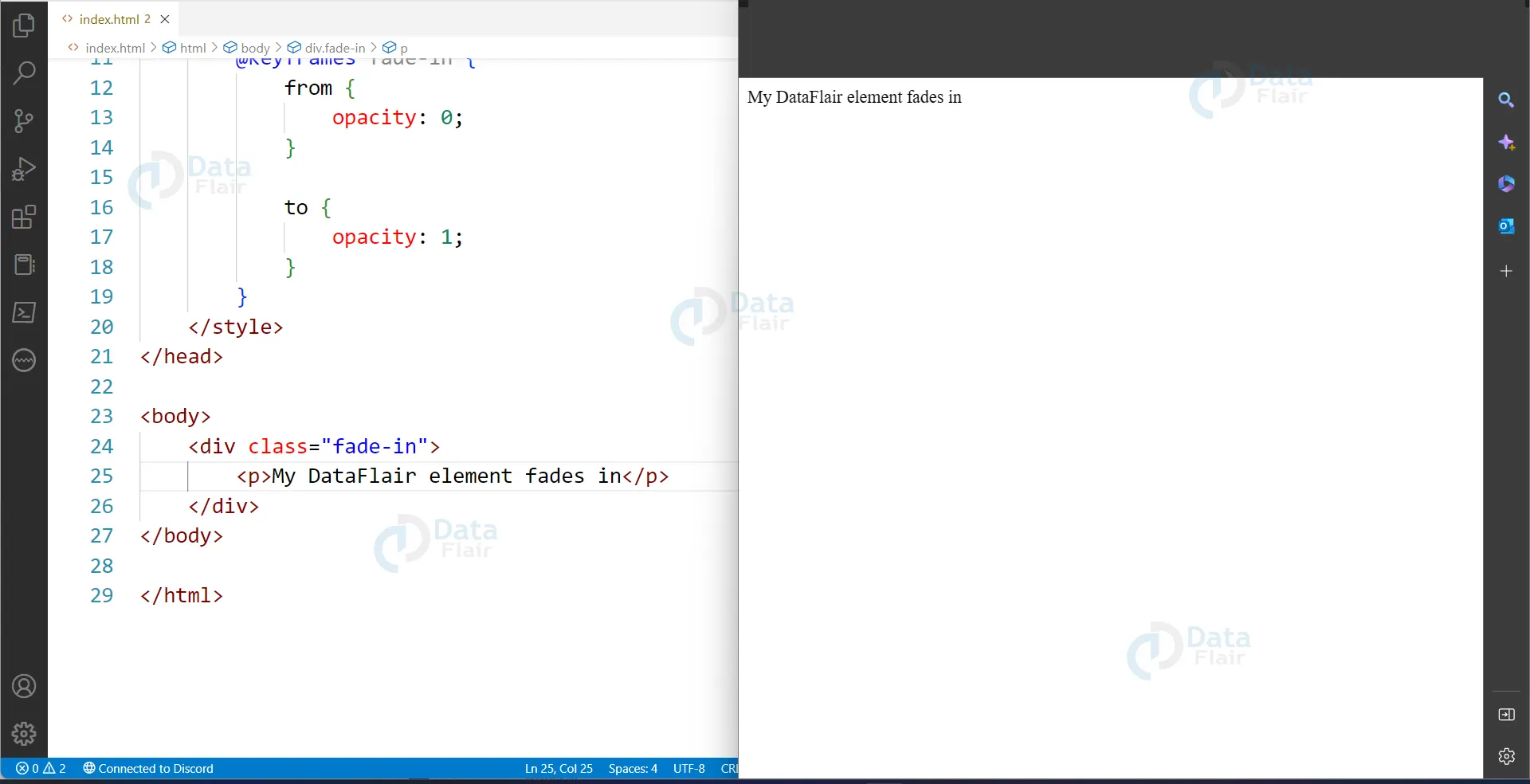
In this example, the opacity of the .fade-in div is set to 0 initially. The animation property applies the fade-in animation for 1 second and maintains the final state with the forwards value. The @keyframes rule defines the initial and final states of the animation.
Animating Transformations in CSS:
CSS offers various transformations such as rotate, scale, skew, and translate that can be animated. Here’s an example of a CSS animation that rotates an HTML element::
HTML code:
<div class="rotate">
<p>My DataFlair element rotates</p>
</div>
CSS code:
.rotate {
animation: rotate 1s infinite;
}

@keyframes rotate {
from { transform: rotate(0deg); }
to { transform: rotate(360deg); }
}
Animating with Delay and Duration in CSS
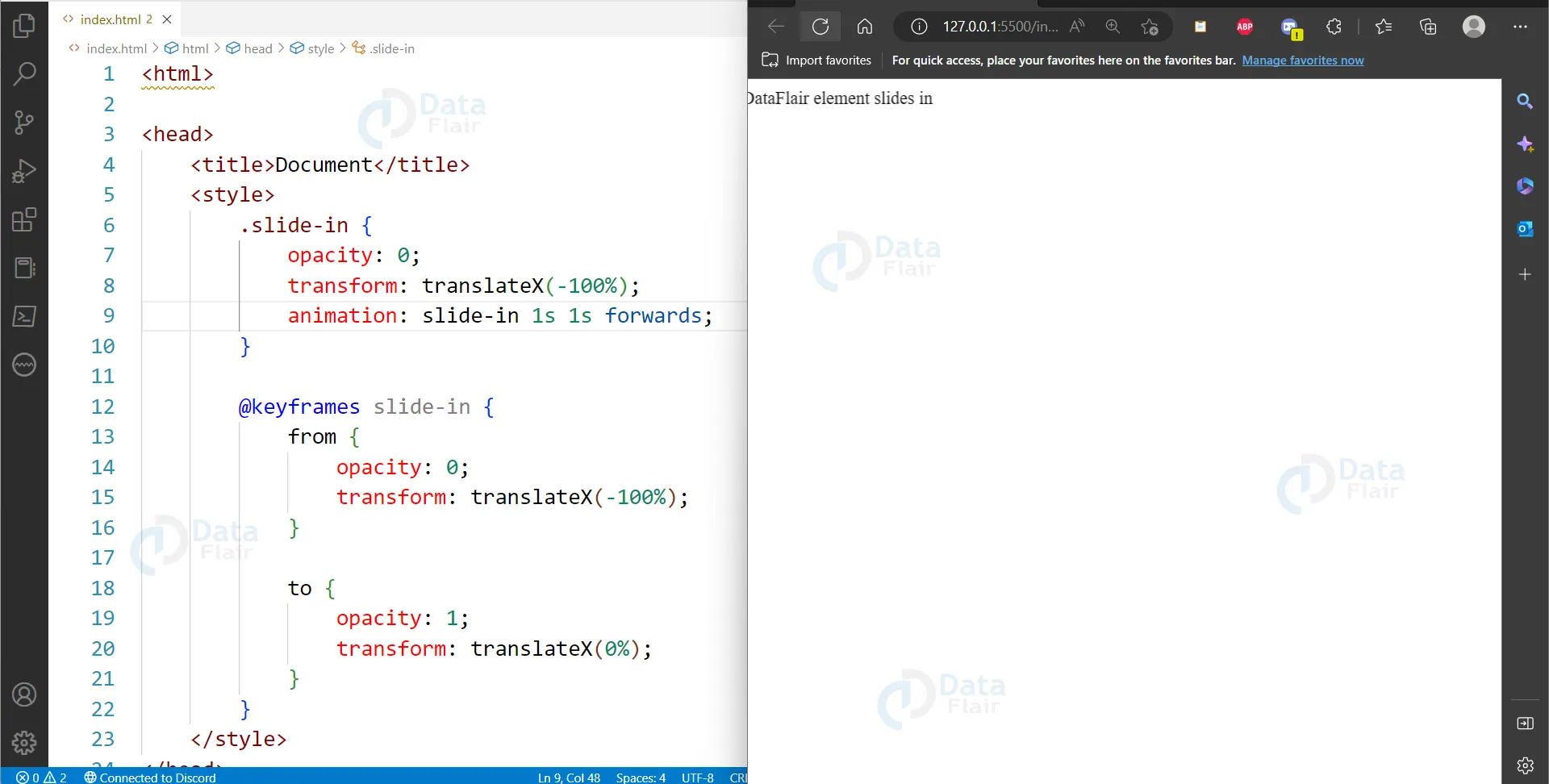
CSS allows you to control the delay and duration of animations. Here’s an example of a CSS animation that slides in an HTML element from the left with a delay of 1 second:
HTML code:
<div class="slide-in">
<p>My DataFlair element slides in</p>
</div>
CSS code:
.slide-in {
opacity: 0;
transform: translateX(-100%);
animation: slide-in 1s 1s forwards;
}

@keyframes slide-in {
from {
opacity: 0;
transform: translateX(-100%);
}
to {
opacity: 1;
transform: translateX(0%);
}
}
Output:
Features of CSS Animation
1. Keyframes: You can define specific points in time during an animation where a CSS property changes. These points are called keyframes.
2. Timing functions: Timing functions allow you to control the speed and acceleration of an animation. CSS provides several timing functions, including ease-in, ease-out, and linear.
3. Animation direction: You can control the direction of an animation by specifying whether it should play forward, backward, or alternate between the two.
4. Delay and duration: You can specify the amount of time an animation should wait before starting and how long it should take to complete.
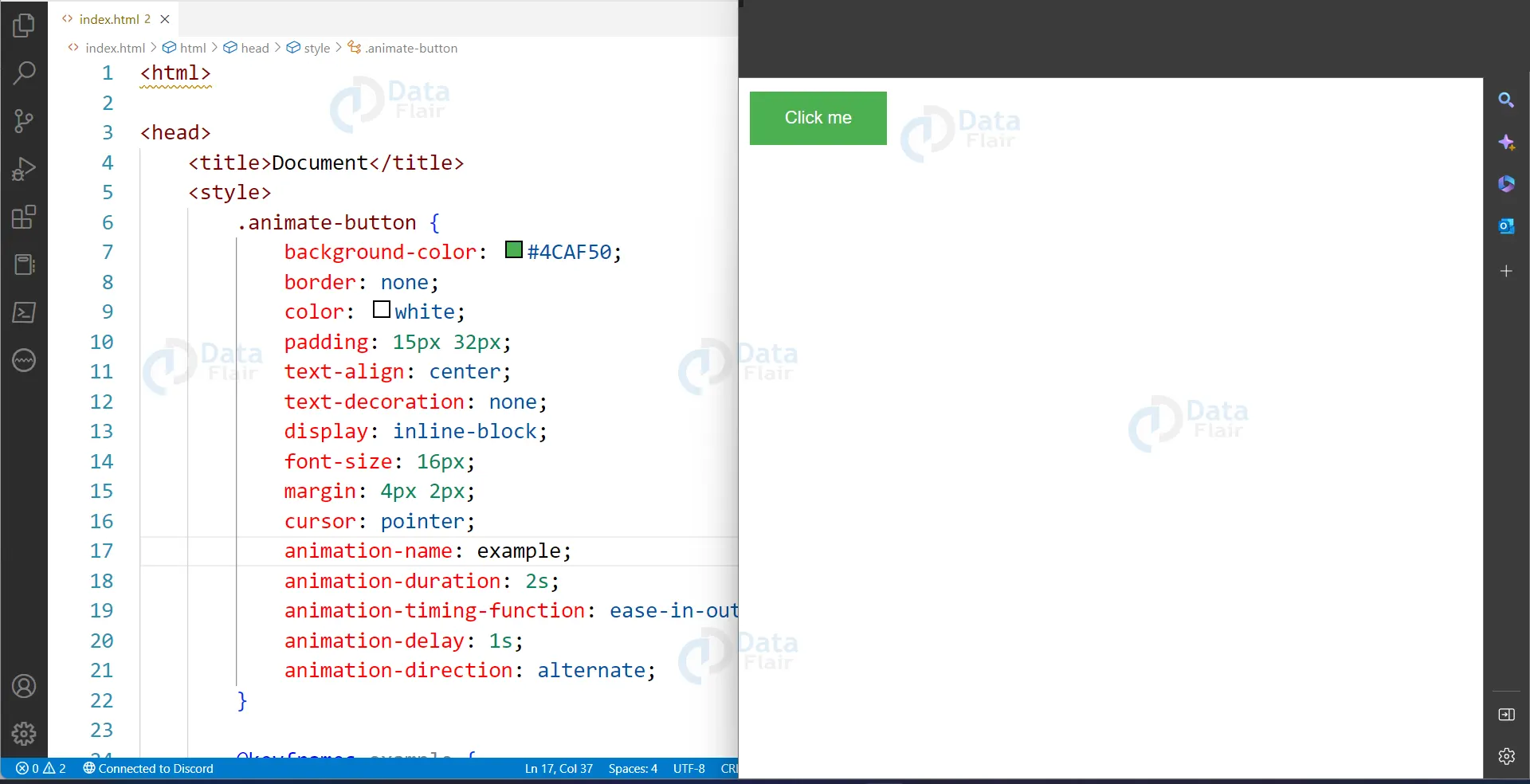
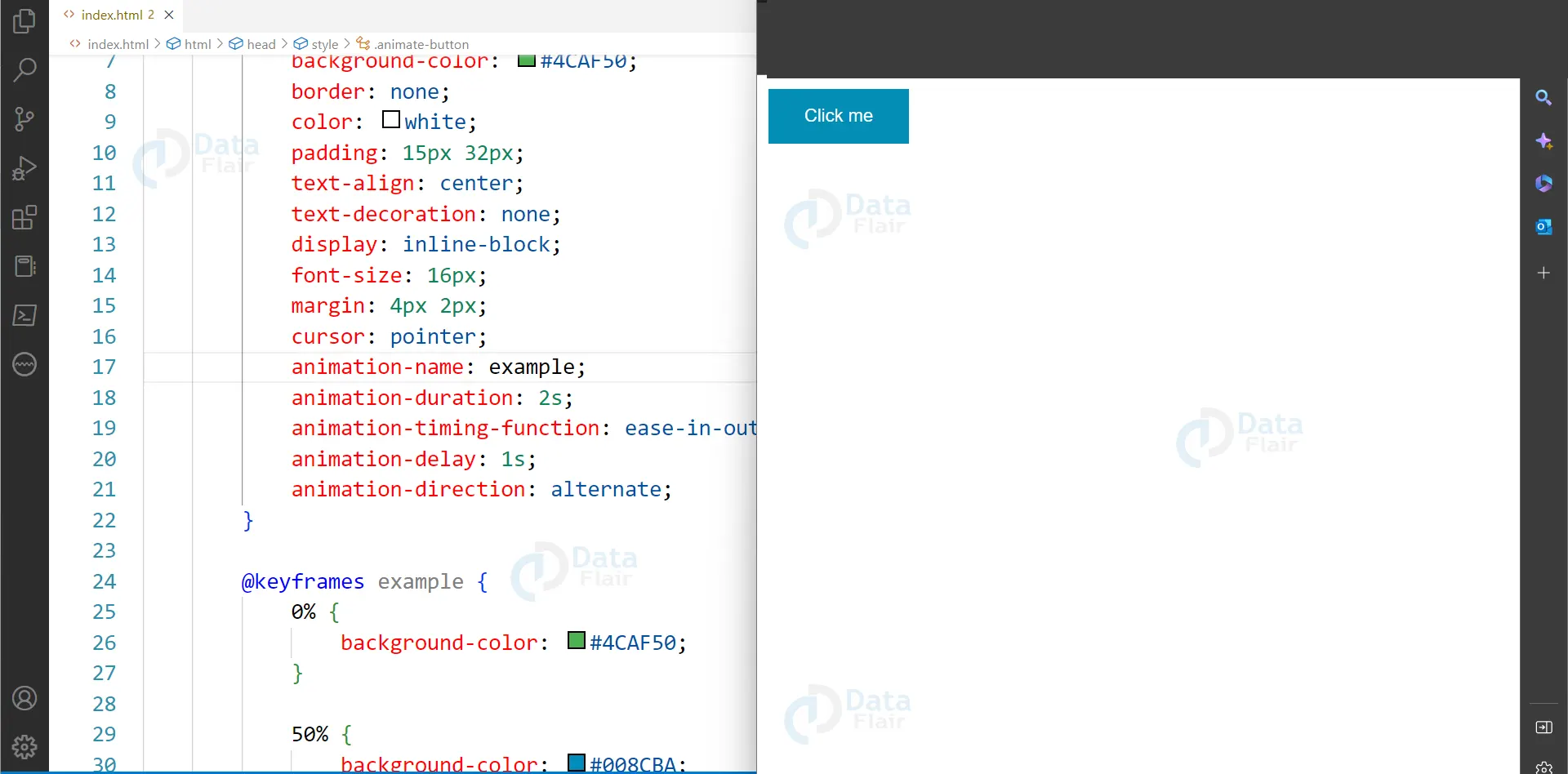
Here’s an example of CSS animation code that animates an HTML button element:
HTML Code:
<button class="animate-button">Click me</button>
CSS Code:
.animate-button {
background-color: #4CAF50;
border: none;
color: white;
padding: 15px 32px;
text-align: center;
text-decoration: none;
display: inline-block;
font-size: 16px;
margin: 4px 2px;
cursor: pointer;
animation-name: example;
animation-duration: 2s;
animation-timing-function: ease-in-out;
animation-delay: 1s;
animation-direction: alternate;
}

@keyframes example {
0% {background-color: #4CAF50;}
50% {background-color: #008CBA;}
100% {background-color: #4CAF50;}
}
Output:
Browser Support for Animation in CSS
When it comes to using CSS animations on your website, it’s crucial to consider browser support. While CSS animation functions have become increasingly standardized over time, not all browsers support them equally. As a web developer, it’s important to understand which animation features are supported by which browsers to ensure your website’s animations work smoothly for all users.
First and foremost, it’s important to note that all modern browsers, including Chrome, Firefox, Safari, Edge, and Opera, support CSS animations. However, the level of support for specific animation functions may vary across different versions of these browsers.
For example, all major browsers widely support basic animation features such as animation-name, animation-duration, animation-timing-function, and animation-iteration-count. However, more advanced features such as animation-direction, animation-fill-mode, and animation-play-state may have limited support on older browser versions.
To ensure cross-browser compatibility for your CSS animations, it’s important to test them across multiple browsers and versions. You can use tools like BrowserStack or Sauce Labs to test your website on different browsers and operating systems. Additionally, implementing fallbacks for unsupported features ensures that animations degrade gracefully, maintaining usability and visual appeal.
Advantages of CSS Animations
1. Enhance user engagement by drawing attention to essential elements, providing visual feedback, and guiding users through the user interface.
2. Improve the visual appeal of your website by adding dynamism and liveliness to otherwise static content and creating a consistent visual language.
3. Improve website performance by reducing the amount of code that needs to be downloaded and executed by the user’s browser.
4. Offer flexibility and versatility, allowing for a wide range of effects and behaviours to be created.
5. They are widely supported across modern browsers, making them a reliable and accessible tool for web developers.
CSS animations also play a part in accessibility because the users are informed about the interactive objects and their statuses. For example, illusions can be used to signal loading processes or stressed sections, thereby enriching the general use. Good animations should include context and should give back information to the users even those with disabilities in case they need to access content on the website.
Configuring CSS Animations
CSS animations can be configured in various ways to create various effects and behaviours. In this subtopic, we’ll explore some of the key configuration options available for CSS animations and how they can be used to create dynamic and engaging website experiences.
One of CSS animations’ most basic configuration options is the animation-duration property, which controls how long the animation lasts. By adjusting the duration, you can create quick and snappy animations or slow and smooth, depending on your design goals.
Another important configuration option is the animation-timing-function property, which controls the speed and acceleration of the animation. This property allows you to create animations that accelerate, decelerate, or move at a constant speed throughout.
The animation-iteration-count property allows you to control how many times the animation repeats. By setting this property to a specific number or infinite, you can create animations that repeat a fixed number of times or continue indefinitely.
Additionally, CSS animations can be configured to start and stop at specific times using the animation-delay and animation-play-state properties. The animation-delay property allows you to specify a delay before the animation starts. In contrast, the animation-play-state property allows you to pause or resume the animation at any point during its execution.
CSS animations can also be configured to respond to user interactions using the: hover and: focus pseudo-classes. Applying animation properties to these pseudo-classes allows you to create interactive animations that respond to user actions like mouseovers or clicks.
In conclusion, configuring CSS animations requires careful consideration of properties like duration, timing function, iteration count, delay, and play state. By using these properties creatively, you can create engaging, dynamic, and responsive animations to user interactions.
Simplify Your CSS Animations with Utility Classes
CSS animations can add life to a website, but creating them from scratch can be time-consuming and require extensive CSS knowledge. That’s where utility classes come in handy. These pre-defined classes make it easy to add engaging animations to your website. Here are some of the benefits:
1. Simplify the process: Utility classes make it easy to add animations to your website without writing complex CSS code.
2. Pre-defined classes: Many CSS frameworks offer utility classes like animate__fadeIn or animate__bounce that apply common animation effects like fading in or bouncing. This saves time and effort.
3. Consistent look and feel: Utility classes help to maintain consistency across your website by ensuring that animations have a consistent look and feel.
4. Responsive design: Utility classes can work well on different screen sizes, ensuring that animations look great on desktops, tablets, and smartphones.
5. Delay and Repeat: Utility classes can specify delay times and repeating animation effects. For example, the animate__delay-2s class will delay an animation by 2 seconds, while the animate__infinite class will cause the animation to repeat indefinitely.
6. Slow and Fast: Utility classes can adjust the timing of the animation, such as animate__slow or animate__fast, which make the animation play slower or faster than usual.
7. Limited design options: While utility classes can simplify adding animations, they may not always meet your specific design needs. Be mindful of bloated HTML/CSS code.
8. Use with caution: Use pre-defined classes judiciously and consider custom CSS solutions when necessary. Too many utility classes can negatively impact website performance.
Web developers can easily add engaging animations to their websites using utility classes while maintaining a consistent design aesthetic. However, it’s important to use them wisely to avoid bloated code and ensure that the animations fit the website’s design.
Conclusion
In conclusion, CSS animations can bring a website to life by adding dynamic elements that capture users’ attention and guide them through the user interface. CSS animations are created using keyframes that define style changes at specific points in time. The timing function, animation direction, delay, and duration can be used to control the speed and acceleration of animations. Although modern browsers support CSS animations, it’s important to test your website on different browsers and operating systems to ensure cross-browser compatibility. Adding CSS animations to your website can enhance user engagement, improve visual appeal, reduce the amount of code that needs to be downloaded, and offer flexibility and versatility. With this beginner’s guide to CSS animations, you can start creating stunning animations that take your web design to the next level.